|
|
|
|
Insights and perspectives on technology, AI, software development, and industry trends from the TrueSolvers team.
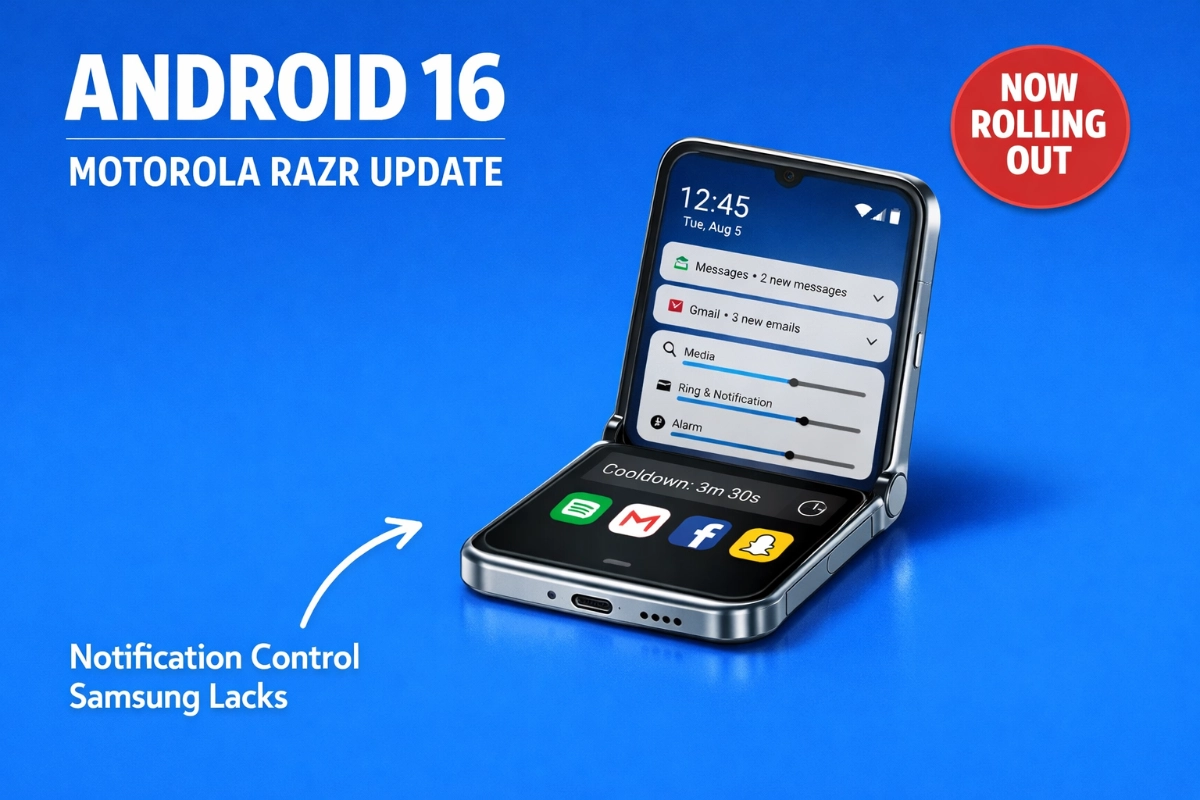
The stable Android 16 update started rolling out to Razr 2025 and Razr Ultra 2025 models through T-Mobile and Verizon networks in February 2026. This marks the first major OS upgrade for phones that launched with Android 15 in April 2025.
The update weighs approximately 4GB and arrives with firmware version W1UC36H.96-35-1 for the base Razr 2025, while Razr Ultra 2025 owners see W1VL36H.59-55-5. Motorola implements batch distribution, meaning not everyone receives the update simultaneously. Check Settings > About phone > System updates if the automatic notification hasn't appeared yet.
This February rollout continues an acceleration pattern. The Razr 2023 series received Android 14 in July, after successor models had already launched. Motorola improved with the Razr 2024 series, delivering Android 15 in May 2025, several months earlier. Now Android 16 reaches the Razr 2025 models in February, maintaining that forward momentum despite Android 16's June 2025 stable release.
International markets saw earlier access. Some regions received updates as early as January, with Motorola announcing its Android 16 schedule in June 2025. The company promises three total OS upgrades and four years of security updates for these devices, meaning Android 17 and Android 18 will eventually arrive.
The December 2025 security patch included with this rollout isn't cutting-edge by February standards, but it shows Motorola prioritized OS version delivery over the latest monthly security increments.
Android 16 introduces notification intelligence that solves group chat avalanches and work app notification storms. Notification Cooldown monitors incoming alert frequency and automatically reduces volume when apps send multiple notifications within short windows.
The mechanism works simply. Your first notification arrives with full volume and visibility. When the same app sends additional notifications consecutively, the system progressively lowers their volume rather than blaring each at full intensity. According to Google's official description, the feature "lowers volume and minimizes alerts for up to 1 minute" when you receive many notifications within a short time.
Suppressed notifications aren't lost. They group together under a unified app banner in the notification shade. Tap the app banner to review each notification in the order received.
The system makes strategic exceptions:
Calls maintain full alert status
Alarms ring at normal volume
Reminders remain unaffected
Priority conversations bypass cooldown
This automatic activation represents an advantage over manual mute switches. You don't need to remember to toggle anything. The first notification already provided the necessary alert. Additional notifications two seconds later primarily cause annoyance rather than adding value.
Samsung's Galaxy Z Flip 6 received stable Android 16 with One UI 8 in September 2025, months before Motorola's US rollout. Samsung's update included enhanced DeX desktop mode, improved camera controls for the cover screen, and Galaxy AI improvements including a new AI-powered search feature that streamlines settings navigation. However, Notification Cooldown arrived as a core Android 16 feature, not a Samsung-specific addition. The intelligence operates identically across Android devices running version 16, but Samsung layers proprietary features onto Android updates rather than delivering near-stock experiences like Motorola.
The feature first appeared during Android 15's early development but Google pulled it from the stable Android 15 release. It resurfaced in Android 16's first developer preview, making it exclusive to Android 16 until broader availability. It returned to Pixel phones via the March 2025 Feature Drop before wider Android 16 deployment.
Documentation shows some variance in reported cooldown duration. Android 16 documentation mentions one minute, while Android 15 documentation referenced two minutes. If notification bursts are brief, lasting only 15 seconds for example, Cooldown returns alerts to normal immediately afterward.
Android 16 expands beyond the traditional Do Not Disturb toggle into customizable notification states for different scenarios. You can create multiple distinct modes that define exactly how your phone behaves in specific contexts.
The traditional Do Not Disturb becomes just one mode among many possibilities. Each mode carries its own independent ruleset matching specific needs.
A workday mode might allow notifications only from work-related apps like email and Slack plus messages from family members, while blocking personal app interruptions. You define which apps can interrupt and which remain silenced during work hours.
A separate weekend mode could reverse this approach, blocking most work-related alerts except urgent ones while allowing personal app notifications. The reversal happens automatically when you activate the weekend mode.
Sleep modes can silence everything except calls from designated contacts. Focus modes for meetings or deep work sessions create interruption-free periods with exceptions you control.
Through our review of notification management across foldable devices, custom modes address a gap that single-purpose toggles can't fill. Samsung offers extensive customization through Good Lock and One UI settings, but Android 16's native modes provide granular control without additional software layers. The feature exists to solve managing notification interruptions across different life scenarios without forcing everything through a single blunt-instrument toggle.
Activation methods vary by manufacturer. On standard Google Android (Pixel devices), tap the circle-with-line icon in Quick Settings to activate standard Do Not Disturb. Press and hold that icon for about one second to reveal the Modes menu for selecting custom modes. Motorola's near-stock Android implementation follows this same pattern.
The system proved somewhat convoluted initially, with many users finding it confusing or not discovering it at all when Android 16 launched. The learning curve exists, but the payoff comes through precise control over when different apps can interrupt your attention.
Android 16 enables automatic Wi-Fi credential sharing and hotspot creation between devices without password entry. The system requires both devices signed in with the same Google Account, "cross-device services" enabled, and Wi-Fi plus Bluetooth activated.
When a device without internet connection searches for nearby devices capable of providing access, and another device with cellular connectivity is available, the system offers instant hotspot connection through notification prompts. Tap "Connect" on the notification titled "Use your phone's hotspot" to establish the connection automatically.
The receiving device shows a "Connected to your phone" notification while the hotspot provider displays "Providing mobile data" confirmation. The hotspot automatically turns off when no devices remain connected, conserving battery.
This feature supports Android 11 and newer devices, though Android 14 and newer access more functionality. Samsung S25 and newer devices support the full instant hotspot feature, while older Samsung devices use an alternative "Auto Hotspot" feature. The automatic Wi-Fi sharing component specifically doesn't work on Samsung devices, which instead use "Wi-Fi Auto Sharing."
The practical application becomes clear when your tablet needs internet but you're away from Wi-Fi networks. Your phone creates a hotspot automatically without hunting for settings menus or typing passwords. Both devices just need proximity to each other and signal coverage.
Based on our evaluation of Motorola's update delivery pattern across three Razr generations, the acceleration tells a story about shifting priorities even while the company remains behind Samsung and Google in absolute commitment length.
The numbers show genuine progress. Motorola moved from post-successor Android 14 delivery for Razr 2023 (July arrival) to several-months-earlier Android 15 for Razr 2024 (May 2025) to February 2026 Android 16 for Razr 2025. Each generation improved delivery timing by multiple months.
However, this improvement occurs within a context where Motorola's overall update commitment remains weaker than competitors. Most Motorola flagship phones receive two to three major Android updates and three to four years of security patches. Samsung delivers four to seven years of support on flagship devices. Google commits to seven years on recent Pixels.
Motorola shows positive trends but inconsistency across product ranges. The company offered five upgrades and five years of patches with the Motorola Edge 50 Neo in 2024, a mid-range phone in Europe and India. The ThinkPhone 25 and Moto G75 joined this commitment level in 2025. Budget models often see just one upgrade and two years of patches.
Samsung leads Android manufacturers in consistent, frequent update delivery over extended periods. Google occupies second place, nearly matching Samsung's level. These two companies form an elite tier while others present a mixed bag. Even large brands like Sony, ASUS, realme, vivo, and TCL can't match the bar Samsung sets for budget lines.
The competitive landscape shows Samsung's strategy involves layering proprietary features onto Android updates. Motorola delivers near-stock Android experiences, which appeals to purists but means fewer exclusive capabilities. Motorola users get clean Android with core Google features. Samsung users get extensive customization and brand-specific tools alongside Android's base capabilities.
The update arrives through carrier channels for T-Mobile and Verizon users. Unlocked model availability remains unclear based on current reports, though international regions saw earlier rollouts starting in January.
Follow these steps to check for and install the update:
Connect to Wi-Fi for the 4GB download (cellular networks will drain data allowances quickly)
Charge your battery to at least 40% (the installation process requires sufficient power)
Navigate to Settings > About phone > System updates
Tap "Check for updates" if automatic notification hasn't appeared
Download the update when available (this takes 15-30 minutes depending on connection speed)
Tap "Install" when download completes
Your phone will restart and apply the update (this process takes 10-15 minutes)
Verify installation by checking Settings > About phone (build number should show W1UC36H.96-35-1 for Razr 2025 or W1VL36H.59-55-5 for Razr Ultra 2025)
The batch rollout approach means some users receive updates before others. If the update doesn't appear immediately, check back within a few days. Motorola staggers distribution to monitor for potential issues before reaching the entire user base.
After installation, the security patch level updates to December 2025. The update also brings Bluetooth LE Audio compatibility improvements and design refinements beyond the core Android 16 features.
The Razr+ 2025 model hasn't received update reports yet, though it should receive the same three OS upgrades and four years of security updates Motorola promised for the 2025 Razr series.
Motorola just delivered Android 16 to the Razr 2025 and Razr Ultra 2025, and the timing tells a story about changing priorities. But the real advantage lies in a feature Samsung's foldables still lack: intelligent notification suppression that adapts to your behavior without manual intervention.
Boost your workflow with our browser-based tools
Share your expertise with our growing community. We accept in-depth articles on Tech, AI, and Dev.
Get StartedFinished reading? Continue your journey in Tech with these hand-picked guides and tutorials.