Finished reading? Continue your journey in Tech with these hand-picked guides and tutorials.
Share your expertise with our readers. TrueSolvers accepts in-depth, independently researched articles on technology, AI, and software development from qualified contributors.
TrueSolvers is an independent technology publisher with a professional editorial team. Every article is independently researched, sourced from primary documentation, and cross-checked before publication.
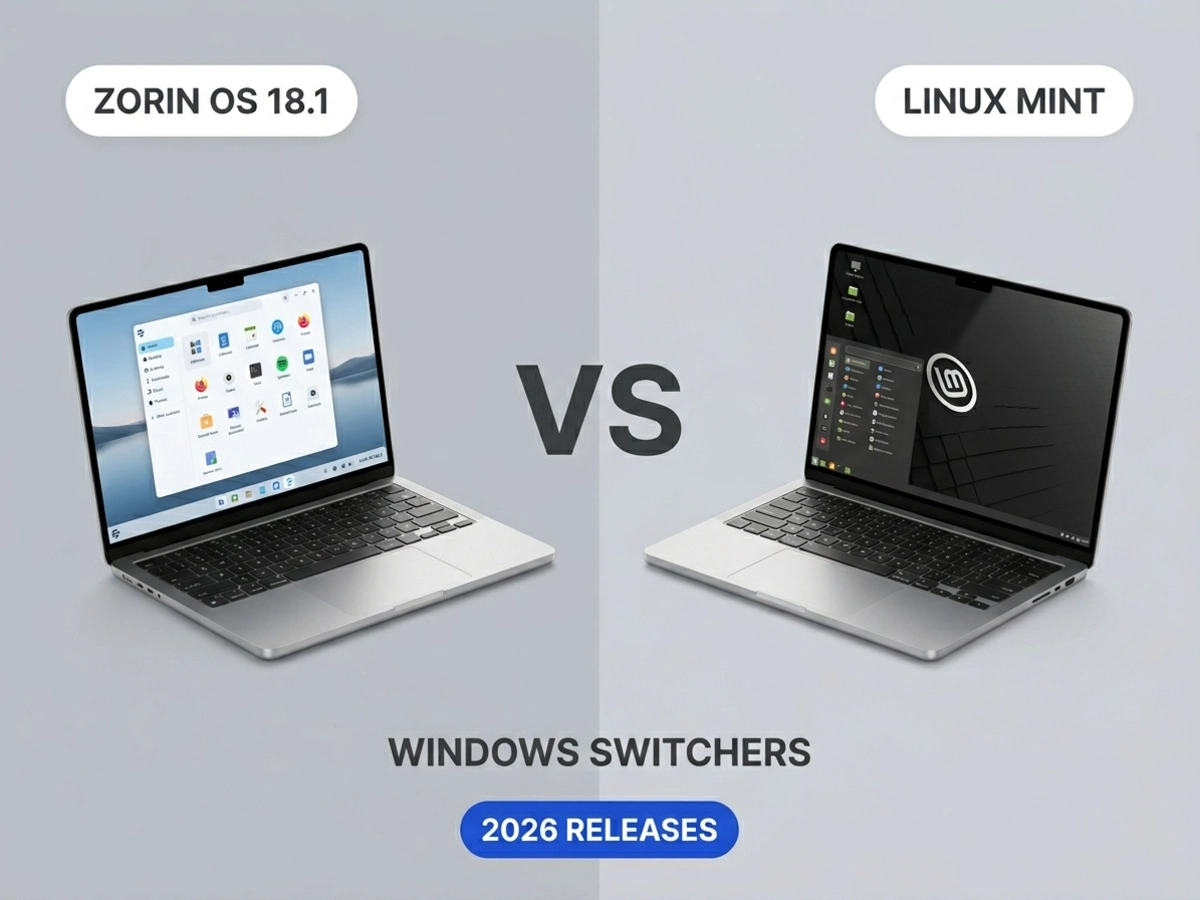
Zorin OS 18.1 broke download records by positioning itself as the obvious destination for users leaving Windows — but does it actually outperform Linux Mint and Pop!_OS on the criteria that matter for that specific audience? With three meaningful competitors now at their 2026 releases, the answer is more nuanced than any single review captures. Here's what the differences actually are, and which distro fits which situation.
Windows 10's end of support on October 14, 2025 created an unusual moment in the Linux distro market. The audience suddenly interested in switching wasn't primarily enthusiasts experimenting with a second machine — it was ordinary users whose hardware couldn't meet Windows 11's requirements and who needed a working, stable replacement. Zorin OS 18.1 recorded 3.3 million downloads across its 18.x series, and in the weeks immediately after the Windows 10 deadline,
What those figures reveal is a structural shift in who is evaluating Linux distros. Budget-constrained users who chose not to pay for a new Windows 11-capable machine are not the same as hobbyists running a second install for fun. They need reliability, a familiar interface on day one, and — critically — a support ecosystem they can turn to when something doesn't work. That context shapes how to evaluate each distro: not by which one has the most features, but by which one is actually built for that kind of arrival.
Linux Mint 22.3, also based on Ubuntu 24.04 LTS, targets a slightly different instinct: users who want stability and a no-drama desktop they can trust for years. Pop!_OS 24.04 LTS, built by the hardware company System76, takes a third path entirely. Its new COSMIC desktop environment was written from scratch in Rust and designed explicitly for keyboard-driven power users and developers — not for Windows familiarity. As of early 2026, COSMIC still has gaps in multi-monitor configuration and accessibility features, making it a poor fit as a day-one landing spot for someone who just left Windows. All three distros sit on the same Ubuntu foundation, but they're answering three fundamentally different questions about what a Linux desktop is actually for.
App compatibility is the first question every Windows switcher asks, and Zorin OS 18.1 addresses it more visibly than any competitor. Zorin's official release notes specify that the 18.1 app database now covers over 240 Windows applications — an expansion of more than 40% since the previous release. When a user tries to launch a Windows .exe installer, the system intercepts it and offers the Linux-native version or the closest available alternative from the software store. The Plex installer, for example, triggers a prompt directing the user to Plex's native Linux app rather than running the Windows binary. The result is that users who would otherwise stall at the first unfamiliar step get redirected before the confusion has a chance to set in.
Linux Mint can reach the same compatibility outcomes, but it requires the user to take the initiative. HowToGeek's comparison found that Zorin ships with a "Windows App Support" placeholder pre-positioned in its app menu that automatically configures Wine and Bottles when installed, while Mint requires users to set up the same compatibility layer manually. For someone who knows what Wine is and how to install it, this difference is trivial. For someone who has never touched a Linux terminal, it could mean the difference between successfully running an app and abandoning the switch entirely. That gap in the setup experience is Zorin's real edge — not a deeper compatibility engine, but a shorter path to finding out whether an app works.
Zorin's 240-app database and Mint's manual Wine setup both route to the same Wine compatibility layer underneath — what Zorin built is an interception system that catches the moment of confusion, not a more capable engine.
This distinction matters when evaluating the actual compatibility ceiling. Regardless of which distro you use, anti-cheat systems, kernel-level Windows drivers, and enterprise software built on Windows-specific internals will not run under Wine and require virtualization. Zorin gets more users to the point of trying; it doesn't expand what's ultimately possible. Users with mission-critical Windows-only software — certain vertical-market tools, kernel-dependent utilities, or multiplayer games with anti-cheat — need to test their specific applications before committing to any Linux distro, Zorin included.
Zorin OS 18.1 runs on Linux kernel 6.17 — the same version shipping with Ubuntu 25.10 — which adds driver support for NVIDIA graphics cards, Intel Xe3 graphics, AMD hybrid laptop GPUs, and gaming handhelds including the ASUS ROG Ally, Lenovo Legion Go, and OneXPlayer. That last category is genuinely unusual for a Windows-replacement distro to highlight explicitly, and it points to an emerging use case: users who want a stable desktop Linux on a handheld gaming device without the extra configuration steps other distros would require.
Linux Mint's 22.3 release notes confirm the project ships kernel 6.14 by default, with HWE images bringing kernel 6.17 available as of April 2026. That update closed the kernel gap that existed at Mint's January 13, 2026 release — though users need to specifically download the HWE ISO rather than the standard one. A user who grabs the default Mint ISO won't get kernel 6.17 automatically, which means that for newer peripheral hardware or gaming handhelds, Zorin's out-of-the-box configuration still delivers a simpler first-day experience. For general-purpose hardware purchased in the last several years, both distros offer comparable support.
Hardware floors are essentially identical. Zorin OS Core requires a 1 GHz dual-core 64-bit CPU, 2 GB of RAM, and 15 GB of storage. Linux Mint 22.3 specifies 2 GB RAM as the minimum, with 4 GB recommended for comfortable daily use, and 20 GB of disk space. Both run reliably on a machine a decade old. Zorin Lite, which uses the Xfce desktop instead of GNOME Shell, drops the floor further still for very low-spec hardware — a practical option for the Windows 10 holdouts whose machines genuinely can't run modern software comfortably.
Mint and Pop!_OS are fully free, with no paid tier. Zorin OS Core is also free and covers everything most users need day to day. The complexity arrives with Zorin OS Pro, priced at $47.99 — a one-time purchase that unlocks 12 desktop layouts in total, including layouts modeled on Windows 11, macOS, ChromeOS, and even Linux Mint's own interface, along with a creative software bundle and the Deskflow multi-PC control application. A personal Pro license covers all the computers a buyer owns; business deployments require per-machine purchases.
The value case for Pro is genuine for users who want immediate layout familiarity and have no interest in configuring it themselves. The 12-layout selection is the broadest customization option of any distro in this comparison, and the one-time pricing model is straightforward. But XDA Developers raised a pointed concern specific to this moment: for users who switched to Linux partly to escape software costs, discovering a $47.99 paywall in a Linux distro could push them back toward Microsoft's consumer Extended Security Update program, available for roughly $20–30 for a one-year bridge. The 78% Windows-origin figure in Zorin's download surge suggests exactly that cost-sensitive audience is arriving in large numbers. Zorin Core remains a complete, capable operating system without Pro — the paywall discovery moment simply lands at the worst possible time for the wrong user.
Zorin Pro purchasers receive direct email support from the development team for installation issues; users on the free Core edition rely entirely on the community forum. That two-tier model means free users get a smaller, less developer-active community than the broader Linux ecosystem provides elsewhere. Zorin's forum is helpful and welcoming, but the development team rarely steps in directly on community threads. Linux Mint's forum, by contrast, is consistently rated among the most welcoming communities in desktop Linux — large enough and experienced enough to have encountered most of the problems a Windows switcher will face in their first months. For Mint, community support is the entire support model, and the community is deep enough to absorb a surge of new arrivals. For a user who knows they'll need hand-holding through the transition, that distinction is worth weighing seriously.
If you are switching from Windows now and need everything to feel familiar on day one — a taskbar where you expect it, Windows-style keyboard shortcuts, and a system that catches your attempts to run .exe files and redirects you without demanding technical knowledge — Zorin OS 18.1 is the strongest candidate. Tech journalist Paul Thurrott, who tested a near-final build ahead of release and paid for Pro himself, rated Zorin 18.1 as probably his favorite distro overall for Windows switchers in 2026. That assessment reflects the distro's genuine strength in first-week experience. If your hardware is a gaming handheld or a recently released laptop with newer drivers, the default kernel 6.17 support strengthens that case further.
If you are past the initial adjustment and looking for a distro you'll trust for the next several years, Linux Mint 22.3 is the more stable long-term bet. Its development team moves deliberately rather than quickly, its community is large enough to have seen your exact problem before, and it never asks you to pay for features that competing distros include by default. The hardware parity created by Mint's April 2026 HWE kernel release means you're no longer giving up modern driver support to choose stability over novelty.
Pop!_OS with COSMIC is not a Windows-replacement distro. Its COSMIC desktop, as of early 2026, still has incomplete multi-monitor configuration and accessibility features, and its keyboard-first workflow assumes a user who already knows what they want from a Linux environment. If you are a developer or power user who wants to build on Linux from the ground up — taking full advantage of the productivity gains Linux development environments offer over proprietary alternatives — COSMIC is worth watching closely. As a landing spot for someone who left Windows last month, it is the wrong tool for the moment.
Zorin OS optimizes for the transition experience, Linux Mint optimizes for the months and years after the transition, and Pop!_OS with COSMIC optimizes for power-user productivity that assumes the transition is already behind you.
Steam runs natively on both Zorin OS and Linux Mint, and Valve's Proton compatibility layer makes a substantial portion of the Windows Steam catalog playable on Linux without additional configuration. Single-player games without anti-cheat systems generally run well. The consistent exception across every Linux distro — not just these two — is multiplayer games that use kernel-level anti-cheat software. Those systems are designed to prevent tampering at a level Linux's architecture cannot accommodate transparently. Before switching, check your most-played titles against Valve's ProtonDB database, which tracks community-reported compatibility per game.
All three distros ship as ISO files designed to boot directly from a USB drive without touching your existing system. Zorin OS, Linux Mint, and Pop!_OS all support live sessions — you run the full operating system from the USB stick, test your hardware compatibility, try the included apps, and shut down without writing anything to your hard drive. This is the recommended first step before any installation. If your Wi-Fi card, external monitor, or printer doesn't work in the live session, that's information you want before committing to the switch, not after.