Finished reading? Continue your journey in Tech with these hand-picked guides and tutorials.
Boost your workflow with our browser-based tools
Share your expertise with our readers. TrueSolvers accepts in-depth, independently researched articles on technology, AI, and software development from qualified contributors.
TrueSolvers is an independent technology publisher with a professional editorial team. Every article is independently researched, sourced from primary documentation, and cross-checked before publication.
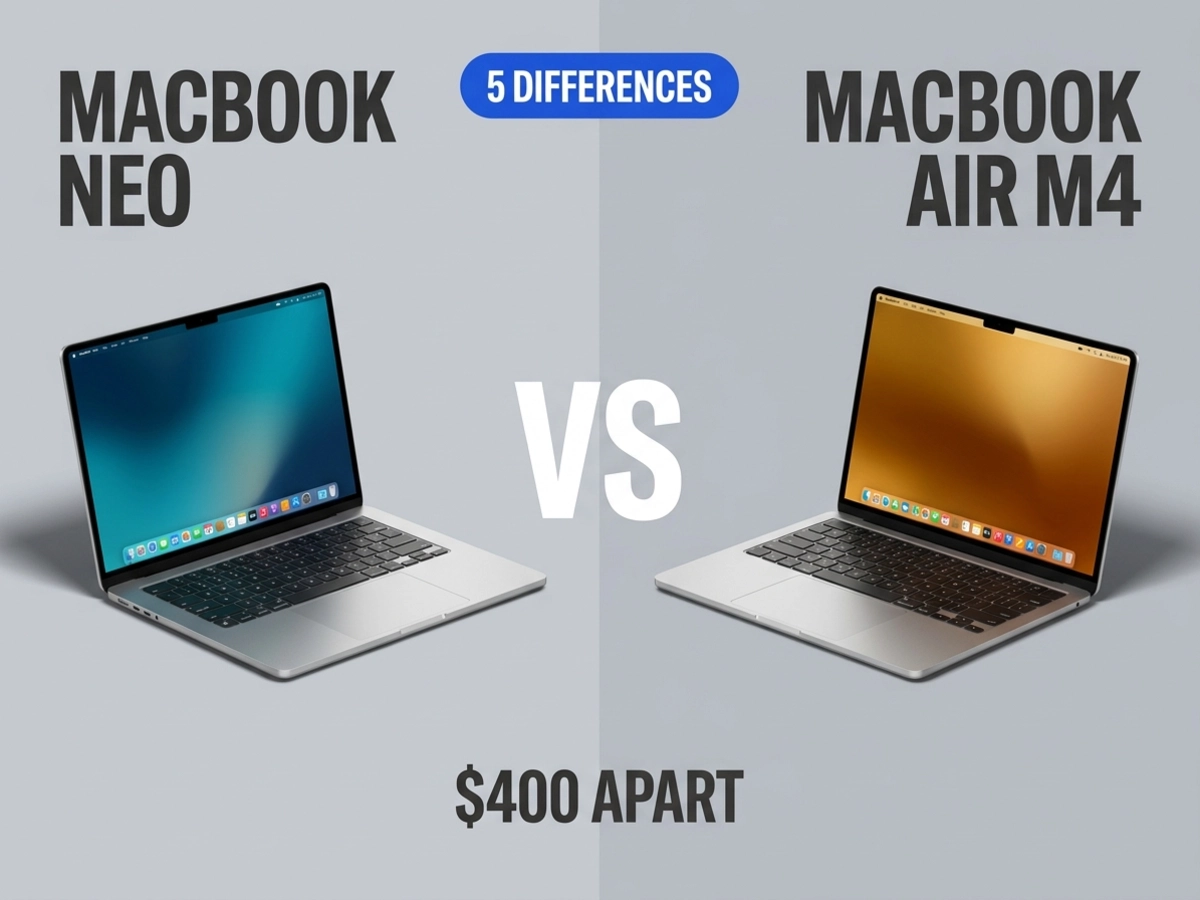
Apple's two smallest laptops are $400 apart on paper, but that gap is either obvious or meaningless depending on what you actually use a laptop for. The MacBook Neo vs MacBook Air M4 question comes down to five specific hardware decisions Apple made — decisions that can't be reversed after purchase. Get them right and you'll be happy with whichever machine you choose. Get them wrong and $600 or $1,000 will feel like a mistake within six months.
Start with the number that matters most. Apple's MacBook Neo starts at $599 for a configuration with 8GB of unified memory, a 6-core A18 Pro chip running at 60GB/s memory bandwidth, and 256GB of storage. Education pricing drops that to $499. Apple's MacBook Air M4 launches at $999, with 16GB of unified memory, two Thunderbolt 4 ports pushing 40Gb/s, and 120GB/s memory bandwidth as its baseline.
That's a $400 spread at official Apple pricing. But the MacBook Air M4 is no longer a current model — Apple released the M5 MacBook Air in March 2026, which pushed M4 Air inventory into clearance territory at major retailers. Third-party resellers are currently moving the 13-inch M4 Air for around $799, bringing the real-world gap between the two machines to roughly $200 for buyers willing to shop outside Apple's own store.
That shift matters because most comparison articles still position this decision as a $400 trade-off. Shoppers checking reseller prices before purchasing will find the Air M4 significantly more accessible than the listed price suggests. Third-party pricing also fluctuates, so any buyer seriously considering the Air M4 should verify current stock at major electronics retailers before making a final call — the $799 figure reflects conditions at the time of writing and may change. Whether $200 more for the Air makes sense depends entirely on which of the following four differences apply to your situation.
This is the difference that affects the most people and gets the least attention in spec-sheet comparisons.
Apple's MacBook Neo tech specs page specifies one USB 3 port at 10Gb/s and one USB 2 port at 480Mb/s. Both ports share an identical USB-C physical shape, with no label or marking to distinguish them, yet their performance gap is enormous — the faster port delivers data at more than 20 times the speed of the slower one. The Neo supports a maximum of one external display at 4K and 60Hz, with no Thunderbolt support of any kind.
The MacBook Air M4 operates in a different tier entirely. Its two Thunderbolt 4 ports each run at 40Gb/s — four times the Neo's faster port — and together they can drive two external displays simultaneously at up to 6K resolution. A MagSafe 3 charging port handles power separately, leaving both Thunderbolt ports free for data and displays simultaneously. This means a desk setup with two monitors, an external SSD, and a USB hub is architecturally straightforward on the Air and genuinely complicated on the Neo.
The practical problem with the Neo's port layout becomes apparent the moment you try to do everything at once. Without MagSafe, charging occupies one of the two USB-C ports. That leaves a single USB 3 port for everything else — display output, external storage, peripheral connections. For professionals connecting fast external storage or multiple peripherals, the absence of Thunderbolt isn't a minor inconvenience; it's a workflow bottleneck that requires adapter juggling the Air simply doesn't impose.
For someone who carries their laptop between a classroom, a café, and a commute, these limitations are invisible. The Neo is just a laptop that does laptop things. But for anyone whose Mac lives primarily on a desk with external displays or drives attached, the port configuration alone places the Neo and the Air into different product categories — regardless of how their chips compare on a benchmark.
MacRumors documented the Neo's first Geekbench 6 results after launch: a single-core score of 3,461 and a multi-core score of 8,668, alongside a Metal GPU score of 31,286. For context, the iPhone 16 Pro — which uses the same base chip with one additional GPU core enabled — scored 3,445 single-core and 8,624 multi-core. The M4 MacBook Air scores 3,696 single-core and 14,730 multi-core — nearly identical in raw single-core speed, but close to double in multi-core output.
That multi-core gap matters for sustained parallel workloads: video exports, large compilations, batch photo processing. It is largely invisible for the tasks that define the Neo's target audience. Single-core performance drives everything from loading a webpage to opening a spreadsheet to rendering a frame in iMovie, and on that metric, the A18 Pro outperforms Intel and Qualcomm alternatives in the sub-$600 price tier by 38 to 43 percent, which explains why the Neo feels responsive despite the chip's mobile origins. It is worth noting that adding just 4GB more RAM to the Neo's design would have pushed its retail price to approximately $670–700 — eliminating the competitive pricing advantage that makes it compelling.
The Neo's Geekbench single-core score of 3,461 beats every M1 Mac ever made — until you keep the chip at full load for 60 seconds and watch utilization drop 64% in 15 seconds. Independent thermal testing by JD Hodges, who ran 30 benchmarks across three thermal states on a single unit, found that the A18 Pro sustains approximately 570% CPU utilization for about 60 seconds before collapsing to around 207% between the T+60 and T+75 second marks. After a full five-minute stress soak, single-core output drops to roughly 476 from a cold-state baseline of 3,569. The Neo is engineered for burst workloads, and the thermal ceiling is the cost of building a fanless chassis at $599.
The nuance that most spec comparisons skip: Tom's Hardware's sustained Cinebench testing of the M4 MacBook Air found it also throttles under extended multi-core load, dropping from its peak score of 844 to the mid-600s across repeated runs. Both machines are fanless and passively cooled. Both are designed for burst workloads rather than sustained heavy compute. The Neo throttles faster and from a lower multi-core ceiling, but the category is the same: if your work requires sustained peak performance through long video renders or extended code compilations, neither the Neo nor the M4 Air solves that problem. The MacBook Pro's active fan cooling is what changes the equation for sustained workloads.
For the overwhelming majority of real-world use — opening apps, browsing with dozens of tabs, joining video calls, editing documents, managing photos — workloads complete in seconds, never long enough to encounter either machine's thermal wall.
Apple's MacBook Air (13-inch, M4) spec page confirms two Thunderbolt 4 ports at 40Gb/s, plus MagSafe 3 and dual-display support up to 6K at 60Hz — but the hardware quality differences between the two machines extend beyond connectivity into the physical experience of using them daily.
The MacRumors guide to the Neo vs. Air identifies the keyboard situation as one of the most immediately noticeable gaps: the Neo ships with a non-backlit keyboard, a mechanical multi-touch trackpad rather than a Force Touch haptic pad, and Touch ID only on the $699 512GB configuration — the $599 base model has no fingerprint sensor. The display uses the sRGB color space rather than the wider P3 gamut the Air supports, and lacks True Tone, which automatically adjusts screen warmth to ambient lighting.
These hardware differences fall into two practical categories. Some are invisible in daily use for most buyers: the mechanical trackpad clicks normally, the non-backlit keys are perfectly usable in daylight, and sRGB covers everything from browsing to casual photo viewing. Others become significant for specific workflows — the sRGB display makes the Neo unsuitable for color-accurate photography or design work, and the absence of Touch ID on the base model means no fingerprint authentication for passwords, Apple Pay, or passkeys without pairing an Apple Watch.
MacRumors' hands-on review of the Neo summarizes the full hardware limitation list concisely: no Thunderbolt, no MagSafe, no SD card reader, no HDMI output, no keyboard backlight, and a second USB-C port capped at USB 2 speeds. The Air's baseline configuration, by contrast, includes Force Touch with pressure-sensitive input, a backlit Magic Keyboard with Touch ID as standard, MagSafe 3 with fast-charge support via a 70W adapter, and a 12MP Center Stage camera that tracks the user's face during video calls.
None of these hardware choices can be changed after purchase. The RAM is soldered, the display is fixed, and the keyboard is what it is. For a machine someone plans to use for two or three years doing light productivity work, these compromises are well-considered and largely tolerable. For anyone planning a longer ownership horizon, or anyone whose workflow touches the limitation list at more than one point, the fixed nature of these trade-offs becomes a more meaningful factor.
Tim Cook stated after the MacBook Neo's March 2026 launch that Mac had just recorded its best week ever for first-time Mac customers. That number tracks with what the machine actually is: an exceptional entry point for people who want macOS and premium build quality at a price that has never existed in Apple's laptop lineup.
The Neo is the right machine for students doing schoolwork, Windows users testing macOS for the first time, casual home users who stream, browse, and write, and anyone who carries a laptop without needing a desk setup. It delivers strong single-core performance for everyday tasks, battery life Apple rates at 16 hours for video streaming, and a build quality that stands out clearly against Windows alternatives in the same price bracket.
The MacBook Air M4 — at its current discounted price of around $799 at major retailers, not the $999 list price — is the right machine for anyone with a desk setup that involves an external display, anyone who keeps devices for four or more years, professionals who need color-accurate display output, and anyone whose work runs heavy for more than a minute at a stretch. The additional $200 over the Neo buys double the base RAM, Thunderbolt connectivity, MagSafe charging, a backlit keyboard with standard Touch ID, and the P3 wide color display.
There's a tension in how the MacBook Neo is discussed: reviewers praise its performance, then list five hardware limitations that each individually seem minor but together describe a machine that cannot be expanded, cannot drive multiple displays, cannot be upgraded, and cannot sustain heavy loads. For the right buyer, none of those limitations ever surfaces. For a photographer who needs accurate color, or a developer who wants to run a dock, or someone who plans to use the same laptop through 2031, all five limitations surface simultaneously — and no single one of them can be fixed after purchase.
AppleInsider reported in May 2026 that the MacBook Neo's initial supply of binned A18 Pro chips is exhausted, and Apple is now ordering new production runs at higher cost. Analyst Tim Culpan has warned that Apple may discontinue the $599 base model, leaving only the $699 512GB version. Apple has not confirmed any pricing changes, and the $599 model remains available at time of writing — but buyers who want the base configuration at that price may not have indefinite time to decide.
For light and moderate use — web browsing, documents, email, streaming, casual photography — 8GB is adequate today and will likely remain workable for several years. macOS manages memory carefully, using compression to defer writes to storage, which softens the penalty of hitting the ceiling in routine workloads.
The concern is longevity, not current performance. Modern browsers, AI-powered features in macOS, and collaboration tools are trending toward higher baseline memory consumption. MacObserver's analysis of the Neo's target audience notes that the non-upgradable 8GB RAM is a genuine multi-year concern for anyone keeping the machine beyond five years — not because it fails today, but because the ceiling is fixed while software demands are not. If the plan is to use the Neo for three years and replace it, 8GB is a reasonable compromise. If the plan is to use it until it stops receiving macOS updates, the Air's upgradable-at-purchase 16GB or 32GB configurations offer meaningfully more runway.
A next-generation MacBook Neo would most likely use the A19 Pro chip from the iPhone 17 Pro lineup, potentially with more than 8GB of RAM if Apple addresses the memory constraint. That machine does not exist yet, and no official timeline has been announced.
The more immediate consideration is current pricing risk. AppleInsider reported in May 2026 that the initial supply of binned A18 Pro chips is exhausted and Apple is ordering new production runs at higher cost — a situation analyst Tim Culpan has flagged as a potential trigger for dropping the $599 base model. Waiting for a second-generation Neo could mean paying more for the current one in the interim, or waiting through an unknown gap before the next model ships. For buyers who need a laptop now and the Neo fits their workflow, the current $599 window may be the most favorable pricing this product line sees for some time. For buyers whose needs align more closely with the Air, the M4 Air at current clearance pricing represents strong value without any supply-side uncertainty.