Finished reading? Continue your journey in Tech with these hand-picked guides and tutorials.
Boost your workflow with our browser-based tools
Share your expertise with our readers. TrueSolvers accepts in-depth, independently researched articles on technology, AI, and software development from qualified contributors.
TrueSolvers is an independent technology publisher with a professional editorial team. Every article is independently researched, sourced from primary documentation, and cross-checked before publication.
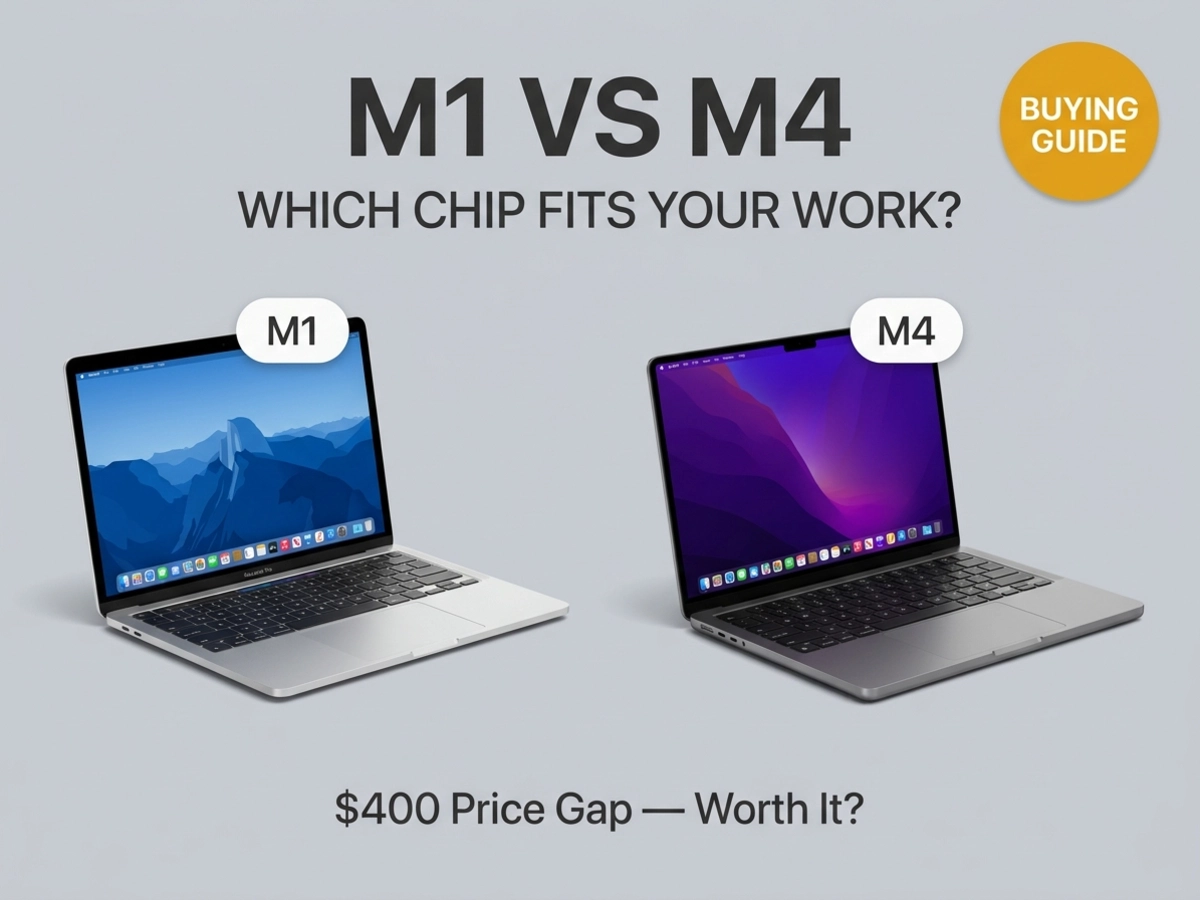
Apple's M-series chips span five generations now, creating a confusing purchase landscape. The M4 offers impressive benchmark gains over the original M1, but those numbers rarely translate to the differences you'd actually notice during daily use. Most buyers overspend on capabilities they'll never tap. The real question isn't which chip is fastest it's which one handles your specific tasks without bottlenecks, and whether that $400 price gap justifies the upgrade.
Apple's M4 chip is officially up to 1.8x faster than the M1 for everyday CPU tasks. That headline figure is accurate and not misleading. The problem is how most buyers interpret it.
A 1.8x speed advantage sounds transformative until you apply it to the actual duration of the tasks involved. In Apple's own iMac testing, the M4 calculated a Microsoft Excel spreadsheet 1.7x faster than the M1 and loaded a Safari web page 1.5x faster. In absolute terms, those improvements often translate to fractions of a second. Human perception doesn't register improvements below roughly 100 milliseconds. A task that took 200 milliseconds on an M1 takes about 130 milliseconds on an M4. Both feel instantaneous.
This matters for anyone who spends most of the workday in a browser, writing documents, handling email, or sitting on video calls. These tasks engage only a sliver of what either chip can deliver. The M1, built on 5-nanometer manufacturing with 16 billion transistors, was already operating far above the ceiling of casual computing when it launched in 2020. Independent testing of Final Cut Pro timelines found that basic scrubbing and playback in 4K footage behaved nearly identically between M1 and M4 hardware. The 10-core CPU, doubled memory bandwidth, and 28 billion transistors in the M4 sit idle during these workloads.
The M4 wins every benchmark test. The problem is that most benchmark tests don't simulate what a typical user actually does. The gap that the numbers promise mostly lives in workloads that run for seconds or minutes, not the sub-second interactions that make up the majority of a computing day.
The performance gap becomes tangible when tasks take long enough for chip speed to accumulate into real time savings. Three categories push the M1 to its limits in ways the M4 handles noticeably better.
This category has a complication most comparison articles skip over: the chip generation matters less than the editing software you run.
Larry Jordan's professional testing compared Final Cut Pro, Adobe Premiere Pro, and DaVinci Resolve on identical M-series hardware and found that Final Cut Pro rendered complex timelines roughly five times faster than Premiere Pro. DaVinci Resolve fell between them at about twice Premiere's speed. That software gap exceeded the hardware gap between chip generations in most scenarios. An M1 Mac running Final Cut Pro can outpace an M4 Mac running Premiere Pro on identical editing tasks.
Jordan's memory testing made the software difference even starker: Final Cut Pro streamed 40 UHD ProRes clips simultaneously using 2.2 gigabytes of RAM, while Premiere Pro required 42 gigabytes to handle 30 clips a roughly 20x difference for comparable work. For editors, the first question before choosing a chip generation is which application they actually use.
When the software is held constant, the M4 does deliver meaningful export advantages. In Final Cut Pro testing of a 15-minute 4K H.264 project, the M4 completed the export roughly three times faster than the M1. For an editor processing dozens of projects weekly, those minutes compound into hours recovered per month. One additional nuance: on exports of already-rendered projects, both chips perform similarly because the Media Engine handles that bottleneck, and both generations include a comparable Media Engine.
The M2 Max with 30 GPU cores outperformed the M4 Pro with only 16 GPU cores in GPU-intensive rendering tests, despite the M4's newer architecture. GPU core count can outweigh chip generation for effects-heavy work. For editors focused on effects and color grading, a well-configured older machine can still beat a newer base model.
Developers who compile code frequently will feel the M4's speed advantage daily. Multiple independent build-time tests found Xcode compilation running 34 to 41 percent faster on M4 hardware versus M1. At a typical developer's cadence of 20 or more builds per day, that improvement compounds into 30 to 60 minutes of recovered time daily. For infrequent compilers, the savings are real but less compelling. The M1 handles compilation without friction; the M4 just does it faster.
For sustained 3D work, Apple's testing found Blender rendering up to 3.4x faster on the M4 than the M1. This category is where the M4's doubled memory bandwidth and updated GPU translate most directly into time savings. Artists running Blender or Cinema 4D regularly will notice the difference on every project.
A persistent misconception in M4 coverage is that thermal throttling applies to the M4 MacBook Air specifically, often framed as a limitation relative to older machines or as a reason to choose the MacBook Pro. The reality applies equally to both generations.
Every MacBook Air from M1 through M4 uses passive cooling with no fan. Both models throttle their performance after roughly 10 to 15 minutes of sustained peak CPU and GPU load. This is a design characteristic of the Air line, not a specific M4 regression.
The practical difference isn't whether throttling occurs. It's where the chip is operating from when it begins. The M4 Air starts throttling from a significantly higher performance ceiling than the M1 Air. Depending on the workload, the M4's throttled output can still exceed the M1's sustained peak. For users running occasional intensive tasks, a video export here, a large compile there, both chips handle brief bursts at full speed before thermal management steps in.
For users whose work consistently involves multi-hour intensive processing, the MacBook Pro's active cooling makes a meaningful difference over either Air generation. A fan-cooled M4 Pro MacBook Pro sustains peak performance indefinitely where both Air models cannot.
Most M1 vs M4 coverage focuses entirely on benchmark numbers and price. Two variables that deserve equal weight rarely appear together in the same analysis.
Apple Intelligence, Apple's suite of on-device AI features, launched in 2024 and expanded through 2025. It relies heavily on the Neural Engine embedded in each chip. The M4's Neural Engine operates at 38 TOPS (trillion operations per second) versus the M1's 11 TOPS, a more than three-fold raw capacity difference.
In practice, M1 Macs can run basic Apple Intelligence features: Writing Tools for proofreading and rewriting, notification summaries, and foundational Siri context awareness. More demanding capabilities, including Image Playground for on-device image generation and advanced Siri reasoning tasks, run noticeably slower or are unavailable on M1 hardware. The experience isn't broken on M1, but it isn't the same.
For buyers who don't use or want AI-assisted tools, this distinction is irrelevant. For buyers who plan to integrate Apple Intelligence writing assistance, image generation, or on-device AI automation into daily work, the M4 delivers a substantially smoother experience.
Apple's historical pattern with Intel Macs was a six to seven year window of full major macOS updates, and Intel Mac support is wrapping up by mid-2026 for most models. The M1 launched in November 2020, which puts its end-of-major-updates around 2026 to 2027 on that same timeline. The M4 launched in 2024 to 2025, suggesting full update support through 2030 to 2032. For buyers planning to own a machine for four or five years, the timing is worth factoring in.
Apple hasn't confirmed an M1 end-of-support date, and Apple Silicon Macs could receive a longer runway than Intel models did. But a buyer purchasing an M1 today with a five-year ownership plan should factor in the possibility of running on security-only updates for the final one to two years of that window. For a buyer purchasing an M4, that concern effectively doesn't exist within a five-year horizon.
The M4 MacBook Air launched in March 2025 at $999 with 16 gigabytes of base RAM, $100 less than the M3 Air it replaced. The M1 Air launched at the same $999 in 2020 but shipped with only 8 gigabytes of base RAM. For the same nominal entry price five years apart, the M4 delivers double the memory alongside the newer chip.
M1 MacBook Airs now trade in the used and refurbished market for roughly $500 to $700 depending on configuration and condition. A well-configured M1 with 16 gigabytes of RAM typically runs $650 to $800. The practical price gap between a solid used M1 and a new M4 is $200 to $400 depending on sourcing, lower than the gap that existed when newer M1 configurations were closer to their original prices.
The traditional argument for M1, approximately 80 percent of the performance for 60 percent of the cost, has partially eroded. The M4 at $999 offers meaningfully more per dollar than the M1 did at $999 in 2020: more RAM, more performance, a brighter and slightly larger display, MagSafe charging, support for two external monitors rather than one, and a 12-megapixel Center Stage camera replacing the M1's 720p webcam. A used M1 at $500 to $600 remains a compelling budget option. An M4 at $999 is now a stronger value proposition than most comparisons acknowledge.
The decision breaks down cleanly by three overlapping factors: how intensive your workloads are, whether you use Apple Intelligence features, and how long you plan to keep the machine.
An M1 delivers essentially the same daily experience as an M4 for these workflows. Web pages load. Documents open instantly. Video plays without a stutter. None of these tasks surfaces the performance gap. A used M1 at $550 to $650 with 16 gigabytes of RAM handles everything a typical office worker or student needs, and the money saved can go toward external storage, AppleCare, or staying in your account.
The caveat: if you plan to keep the machine for five or more years and want full access to Apple Intelligence features as they evolve, the M4's better long-term software position becomes relevant even for light users.
Answer the software question first. If you use Final Cut Pro, an M1 or M2 delivers professional-grade performance that makes the M4 premium hard to justify unless you're exporting multi-hour 4K projects daily. If you use Adobe Premiere Pro, the M4's extra power matters more, both for raw rendering speed and because Premiere's memory demands make the 16-gigabyte base RAM of the M4 a practical floor rather than a luxury.
For GPU-heavy effects work, prioritize GPU core count over chip generation. An M1 Pro or M2 Pro with more GPU cores can outperform a base M4 in specific rendering tasks.
If you compile code 10 or more times a day, the M4's 34 to 41 percent build-time improvement translates to real recovered hours over weeks and months. If you compile infrequently or work primarily in interpreted languages, the M1 handles development work without friction.
Any M-series chip transforms the Intel experience. Battery life improves by five to six hours in typical use. Thermals drop significantly. Wake-from-sleep becomes instantaneous. The M1 already represents a transformational upgrade from Intel hardware; choosing M4 over M1 in this scenario is an incremental refinement. Start with the M1 refurbished unless your specific workflow needs are clearly in the M4's performance territory.
The combination of Apple Intelligence capability and the macOS support timeline shifts the calculus for buyers who stretch machine ownership. An M4 purchased in 2025 should receive full macOS feature updates through at least 2031. An M1 purchased today may reach the security-only phase of its life by 2027 or 2028. For this buyer profile, the M4's $300 to $400 premium over a comparable used M1 is buying five additional years of full platform support, a reasonable investment if you extend ownership accordingly.
Is the M2 or M3 a better middle-ground option between M1 and M4?
For buyers who find M1 refurbished too limited but M4 new too expensive, the M2 and M3 occupy solid middle ground. The M2 brought meaningful GPU improvements and a 20-billion transistor architecture. The M3 introduced the first 3-nanometer process for the Air line. Both offer more longevity runway than the M1 and can be found as certified refurbished models at $700 to $900. If the M4 fits your budget, though, its combination of current pricing, RAM, and support horizon makes it the cleaner long-term choice.
How much RAM do I actually need?
The M4's 16 gigabyte base is a meaningful improvement over the M1's 8 gigabyte base. For casual use, 16 gigabytes handles comfortable multitasking with dozens of browser tabs, background apps, and productivity tools without memory pressure. For video editing, 16 gigabytes is workable for 1080p to moderate 4K projects. For heavy multicam 4K work, heavier rendering, or running virtual machines, 24 to 32 gigabytes provides meaningful headroom. The M1's 8 gigabyte base now reads as tight for modern workloads, which is one genuine reason to favor a 16-gigabyte M1 configuration or the M4's standard configuration over an 8-gigabyte M1.
Is the M1 Mac still a good option for students?
Yes, with caveats. A used M1 MacBook Air at $550 to $650 with 16 gigabytes of RAM handles every standard student workload: note-taking, research, writing, light photo editing, video calls without strain. The battery delivers a full academic day without a charger in most scenarios. The macOS support horizon is the practical concern: a student planning to use the machine for six or seven years may hit the security-only update window before they're ready to replace it. For three to four years of ownership, the M1 remains excellent value.
Should I wait for the M5 MacBook Air?
The M5 launched in MacBook Pro models in late 2025. An M5 MacBook Air is plausible in 2026, following Apple's typical Air release cadence. If you need a machine now, the M4 Air at $999 is a strong purchase that won't feel outdated quickly. If you can wait several months and an M5 Air announcement seems imminent based on Apple's cycle, waiting is reasonable. The M5's core advantage over M4 is primarily in GPU compute and Neural Engine performance, meaningfully faster for AI-heavy workloads and 3D rendering, but unlikely to change the calculus for casual users and office workers.