Finished reading? Continue your journey in Tech with these hand-picked guides and tutorials.
Share your expertise with our readers. TrueSolvers accepts in-depth, independently researched articles on technology, AI, and software development from qualified contributors.
TrueSolvers is an independent technology publisher with a professional editorial team. Every article is independently researched, sourced from primary documentation, and cross-checked before publication.
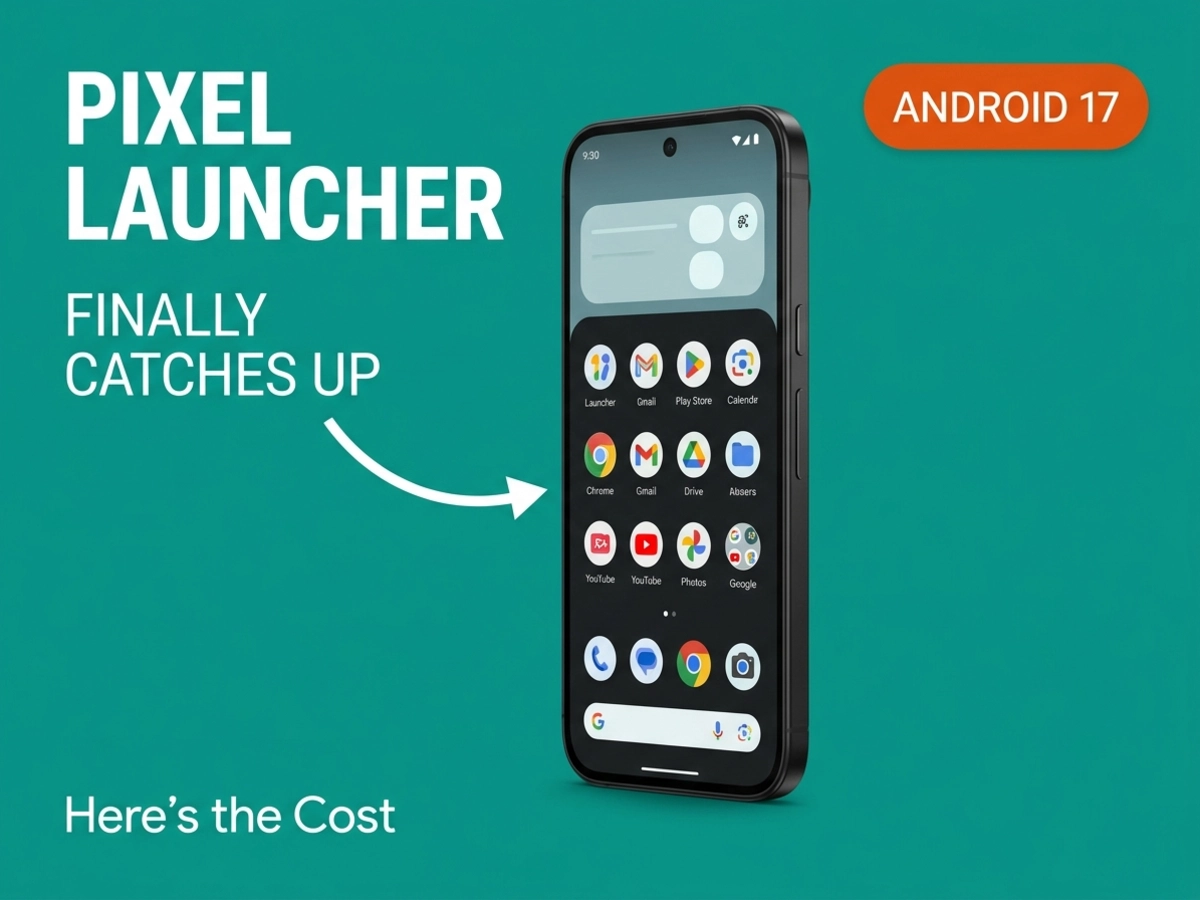
Pixel users have waited years for a clean stock home screen. Android 17 finally delivers it — but Apple and Samsung got there 18 months earlier. Here's what changed in the Pixel Launcher, what the timing of Nova Launcher's collapse means, and what Google still won't let you control.
Samsung's One UI 7 added native home screen label hiding in late 2024. Apple's iOS 18 added the same feature in September of that year, having announced it at WWDC back in June. Android 17 Beta 3, which reached platform stability in March 2026, completed the set.
Android 17 does not pioneer this capability — it closes a gap that had been open for over a year. The ability to remove app name labels from a home screen has been a standard user request since the early days of touchscreen smartphones, and for years it required jailbreaks, third-party launchers, or invisible Unicode character hacks on every major platform. Apple and Samsung resolved it in their stock launchers well before Google did.
Android 17 is the last of the three major mobile ecosystems to close this specific gap — arriving after iOS 18 in September 2024 and One UI 7 in late 2024, approximately eighteen months after the competition moved first.
That said, Android 17's implementation has one measurable functional advantage over Apple's approach. iOS 18 ties label removal to icon enlargement — hiding the labels causes icons to expand and fill the freed space, which some users find visually awkward. Android 17's Pixel Launcher removes labels while preserving the existing icon size and grid layout. On that specific implementation detail, the stock Pixel experience is now more precise than what Apple shipped.
The broader competitive framing stands unchanged, though. If you've been waiting for stock Android to catch up on this specific customization, Android 17 is when it happens.
The home screen changes arrived in stages, not as a single release. Android 17 Beta 1 rolled out on February 13, 2026, introducing the ability to remove the At a Glance widget from the home screen — a widget that had been functionally immovable since it was introduced. Previously, the only option was to leave it in place or switch to a third-party launcher that bypassed it entirely. Notably, the At a Glance removal was first tested in Android 16 QPR3 betas before becoming broadly available in Android 17 Beta 1.
The At a Glance removal is selective: disabling it on the home screen leaves it intact on the lock screen and always-on display, which serves users who find the contextual information useful in those contexts but want a cleaner primary screen. This is a meaningful distinction — the feature works as a home screen choice, not a system-wide toggle.
Label hiding followed in Beta 3. The Android 17 Beta 3 release notes, directed at developers rather than users, confirm the platform-level nature of the change: "Hidden Home Screen App Labels: Users can now hide app labels on the home screen. Ensure your app icon is highly recognizable!" That parenthetical is Google acknowledging the genuine usability trade-off — without text beneath icons, users navigate entirely by icon recognition, which works well for apps opened daily but creates hesitation for rarely used or visually similar apps.
The option sits under Wallpaper and style > Icons > Names. One limitation worth flagging: the label hiding applies to the home screen only, not the app drawer. Open the drawer and every app still shows its name beneath the icon. Samsung's One UI 7 has the same constraint, which suggests this may be a deliberate choice rather than a feature still in development.
The third customization improvement commonly attributed to Android 17 — uniform icon theming across all apps — is actually older. Auto-generated monochrome icons for apps that don't provide their own themed assets landed with Android 16 QPR2, not Android 17. Google's updated Play Developer Distribution Agreement, effective October 15, 2025 for existing developers, required all app icons to support system color theming, and the auto-generation algorithm shipped alongside that policy update. Android 17 inherits it, but Pixel devices running Android 16 QPR2 or later already have it. What Android 17 adds on top of this is the label hiding and At a Glance removal — the theming foundation was already in place.
These three changes — removable widget, label hiding, forced theming — arrived across multiple betas and a parallel QPR branch over several months. The minimalist Pixel home screen that Android 17 makes possible is the product of a rolling development process across two parallel release tracks, not a single planned package.
For most of Android's history, Pixel users who wanted a clean home screen without forced widgets or text beneath every icon had one practical option: replace the Pixel Launcher with a third-party app. Nova Launcher was the dominant choice — polished, deeply configurable, and updated consistently for years.
That option became significantly less reliable on January 20, 2026. Nova Launcher was acquired by Instabridge on that date, with tracking code for Facebook Ads and Google AdMob appearing in the beta build within days of the announcement. Nova's founder had already been asked to stop work on the codebase before the acquisition closed. The launcher had not received meaningful feature updates since mid-2024, and its planned open-sourcing was halted.
Nova Launcher — the launcher an estimated 50 million users had relied on for the customization the Pixel Launcher couldn't provide — collapsed as a trusted option, and Android 17 Beta 1 shipped 24 days later. For users who had been using Nova specifically to achieve label hiding, a cleaner grid, and a stable dock, the stock launcher gained those capabilities at exactly the moment the primary alternative stopped being a safe choice.
The two timelines are independent — Android 17's development predates the acquisition. But the practical effect is the same: users whose Nova usage was cosmetically motivated now have a stock option that covers the same ground without the privacy trade-off Instabridge introduced. Lawnchair 3 and Niagara Launcher remain strong alternatives for users who need deeper control, but for the subset whose third-party launcher usage was driven by visual preferences rather than power-user customization, the calculus has genuinely shifted.
The search bar now belongs to the Google app, not the Pixel Launcher, having been transferred to Google app ownership in December 2025 — a change 9to5Google described as a design regression. Icon customization routes exclusively through Google's own pipeline, with no integration with the third-party icon pack ecosystem that has existed on Android for over a decade. The Pixel Launcher still doesn't support Play Store icon packs. Each of these changes has an individual explanation — AI Mode integration, implementation speed, design consistency — but the pattern they form together is worth naming.
The freedom Android 17 extends and the control it tightens don't point in the same direction: users gain authority over visual layout while Google consolidates ownership of the surfaces that handle search queries, AI prompts, and icon customization workflows. This suggests a deliberate design posture — cosmetic authority in exchange for AI surface ownership — rather than coincidence.
Each of the layout freedoms is real. Removing At a Glance, hiding labels, and choosing a sparser grid produce a genuinely cleaner home screen than was possible on stock Android before this cycle. But every one of those freedoms operates within a framework where the entry point — search, AI, icon generation — routes through Google's own systems.
Users who want per-app icon assignment, Play Store icon pack access, or custom gesture mappings still need a third-party launcher. The remaining gaps are the same ones that drove users away from stock Android in the first place.
The stock Pixel Launcher is now the right choice for a specific Pixel user: someone who wants a clean, uniform home screen, is comfortable with Google's built-in AI and search features, doesn't need to mix icon styles or pull from community icon packs, and prefers the tight system integration that makes the Pixel's animations and gestures feel native. For that user, Android 17 delivers what years of third-party workarounds were trying to replicate.
The gaps are real for anyone outside that description. Play Store icon packs remain incompatible with the Pixel Launcher. There is no home screen lock to prevent accidental layout changes. Custom gesture assignments — beyond swipe-up for the drawer and swipe-down for notifications — aren't available. Apps cannot be hidden from the app drawer without setting up Private Space, a cumbersome workaround. The 5x5 maximum grid with no between-grid-line placement hasn't changed.
These aren't new limitations introduced by Android 17 — they predate it entirely. What's new is that the visual layer has improved enough that some users will stop noticing the gaps that remain.
It remains unclear whether Google will extend label hiding to the app drawer in a future quarterly update — the current beta cycle does not address it. One UI 7 has the same constraint on Samsung devices, which suggests both companies are making the same deliberate trade between home screen aesthetics and drawer navigation clarity.
Before deciding whether to stay with the stock launcher or move to Lawnchair 3 or Niagara, it's also worth confirming your device actually receives Android 17. Not every Android phone makes the cut — the update schedule and which devices get left behind tells a separate story about how manufacturer support actually works in practice.
For Pixel users currently on Lawnchair 3 or Niagara because of specific layout features those launchers provide — gesture remapping, per-app icons, app drawer folders — Android 17 doesn't change the calculus. The remaining gaps are the same ones that pushed users off the stock launcher to begin with. For users who switched to Nova specifically for the visual cleanup and are now dealing with its collapse under new ownership, the Pixel Launcher has become a credible landing spot for the first time.