Finished reading? Continue your journey in Tech with these hand-picked guides and tutorials.
Boost your workflow with our browser-based tools
Share your expertise with our readers. TrueSolvers accepts in-depth, independently researched articles on technology, AI, and software development from qualified contributors.
TrueSolvers is an independent technology publisher with a professional editorial team. Every article is independently researched, sourced from primary documentation, and cross-checked before publication.
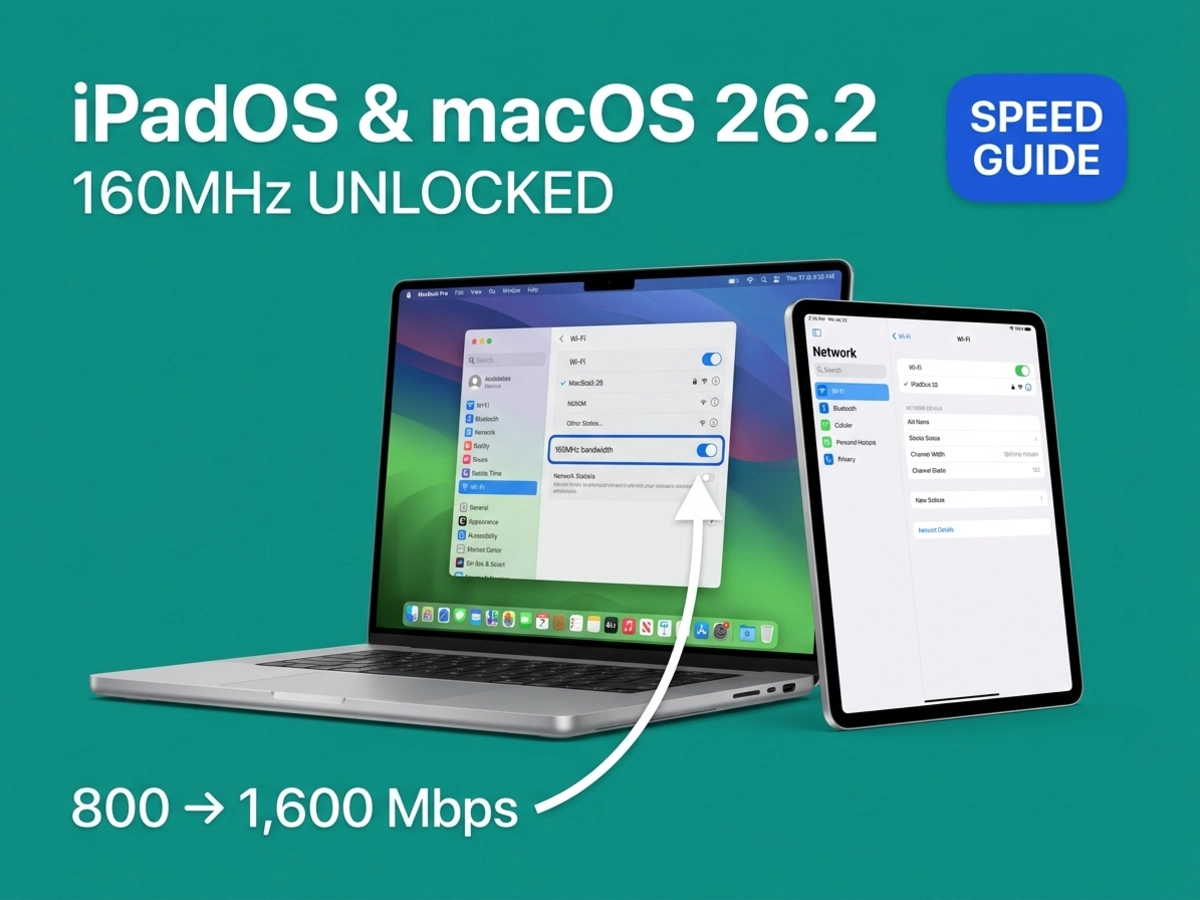
Apple's December 2025 updates unlocked 160MHz bandwidth on 5GHz networks for Wi-Fi 6E devices, potentially doubling wireless speeds from 800Mbps to 1,600Mbps. But your router must support this feature and navigate DFS restrictions. Here's how to verify you're actually getting the speed boost and when the trade-offs aren't worth it.
Apple never announced it. No release notes, no press release, no marketing copy. A MacRumors reader named Johnie spotted a change in Apple's platform deployment guide dated December 17, 2025: Wi-Fi 6E Macs and iPads now support 160MHz channel width on 5GHz networks, doubled from the previous 80MHz ceiling. The company never said a word about it publicly.
The change matters because channel width directly multiplies throughput potential. A 2x2 Wi-Fi 6E device operating on an 80MHz channel can achieve a physical link rate of roughly 1,200Mbps under good conditions. On a 160MHz channel, that ceiling rises to approximately 2,400Mbps. Real-world throughput lands substantially below those link rates depending on signal quality, interference, and distance, but the proportional relationship holds: 160MHz delivers roughly double the headroom of 80MHz.
What makes this update significant is what it reveals about the hardware. These Wi-Fi 6E radio modules were already performing 160MHz channel bonding. On 6GHz networks, these same Macs and iPads have been bonding eight 20MHz channels into a 160MHz wide channel since the devices launched. The December update didn't add a new radio capability; it removed a software restriction that had previously prevented those same modules from applying that capability on 5GHz.
One factual wrinkle worth noting: MacRumors subsequently reported that some users observed 160MHz on 5GHz connections before the 26.2 updates shipped. The December 17 documentation change is confirmed; whether that date marks when Apple changed the underlying code or simply when they updated the technical guide is genuinely unclear.
The December 17 documentation date and the underlying code-change date may not be the same date. The most likely reading is that Apple enabled the capability in code at some point during the 26.x cycle and updated their deployment documentation in December to match. The update itself is real. The precision of "December 26.2" as the exact enablement moment carries some uncertainty.
Older devices don't benefit from this update, and the reason is hardware rather than policy. The Wi-Fi 6 radio modules in M1 Macs, iPhone 14 and earlier, and standard A-series iPads lack the channel-bonding architecture for 160MHz on 5GHz. The same modules also can't access the 6GHz band at all, which is why the "6E" designation matters: it marks devices with a fundamentally different radio design capable of bonding channels across a wider span.
The reason 5GHz 160MHz operation requires careful consideration comes down to spectrum history. The 5GHz band was allocated to radar systems long before Wi-Fi existed. Weather radar, military radar, and satellite communication systems all use portions of this spectrum. When Wi-Fi expanded into 5GHz, regulators required a coexistence mechanism. That mechanism is Dynamic Frequency Selection, or DFS, standardized as part of IEEE 802.11h in 2003.
DFS works by requiring Wi-Fi access points to listen for radar before using shared channels. When a router wants to operate on a DFS channel, it must first run a Channel Availability Check: a silent scan period that typically lasts one to two minutes but can extend to ten depending on regional regulations. During this scan, the 5GHz band is completely unavailable. Once the router confirms no radar is present, it can begin transmitting. If radar appears during normal operation, the router must immediately vacate the channel. Clients connected to that channel lose their connection while the router relocates to a new channel and completes another scan.
The 5GHz spectrum in the US includes channels in the 36–48 range (U-NII-1) and 149–165 range (U-NII-3) that are free of DFS requirements. At 80MHz channel width, two non-overlapping channel blocks fit within these DFS-free zones, which is why routers can operate 80MHz on 5GHz without any radar-avoidance complexity. At 160MHz, there are no contiguous non-DFS channel blocks available anywhere in the US 5GHz band. The math simply doesn't work: eight contiguous 20MHz channels that avoid all DFS zones don't exist. Every 160MHz channel on 5GHz touches DFS-regulated spectrum.
This is not a configuration choice. It is a spectrum allocation constraint. Any router operating at 160MHz on 5GHz is operating on DFS channels, which means the startup scan delay, the radar detection risk, and the potential for mid-connection channel vacating are structural features of the configuration, not edge cases.
The 6GHz band, by contrast, was allocated fresh for Wi-Fi 6E. No radar systems had claimed it, which means no DFS is required. The 6GHz band provides seven usable 160MHz channels for indoor devices, all of them available without scan delays or radar restrictions. This is why a Wi-Fi 6E device connecting to a 6GHz network has a simpler path to 160MHz than the same device connecting to 5GHz, even though the radio capability is identical.
The DFS constraint is the reason this update is consequential for some users and invisible for most.
The Apple software update is necessary for the feature to work. It is not sufficient. The router controls whether 160MHz ever gets established, and the default behavior of most consumer routers actively prevents it.
D-Link's official documentation states directly that 160MHz is not available by default on their Wi-Fi 6 routers because it requires DFS channels, and DFS is disabled by default to avoid the startup scanning delay and mid-session disconnection risk. This isn't a D-Link-specific quirk. The same logic applies across most manufacturers: 80MHz on 5GHz provides a clean, compatible, DFS-free default that works reliably for every connected device. Opting into 160MHz means opting into DFS, which introduces the startup delay and the occasional channel vacating that 80MHz avoids.
ISP-provided routers are even more conservative. These devices are configured to minimize support calls, which means defaulting to whatever channel settings produce the most stable connections for the widest range of devices and environments. An ISP gateway in automatic channel selection mode will almost never land on a 160MHz DFS configuration. If you're using the router your internet provider supplied, the probability that you're getting 160MHz is very low regardless of your device's capability.
The update's real-world beneficiary pool is considerably narrower than the compatible device list suggests. A user needs: a dedicated Wi-Fi 6 or 6E router (not an ISP gateway), DFS channels explicitly enabled in the router admin interface, the router configured to allow 160MHz channel width on 5GHz, and an environment where eight contiguous clean 20MHz channels actually exist.
The location varies by manufacturer. On TP-Link routers, the path is Advanced, then Wireless, then Wireless Settings, then the 5GHz tab, where Channel Width can be set to 160MHz. On ASUS routers, look under Advanced Settings, then Wireless, then Channel Bandwidth. On Netgear, the setting is tied to the Mode selection under BASIC, then Wireless. On all platforms, enabling DFS channels may be a separate toggle in the advanced wireless or RF settings.
One practical note: if a radar signal strikes a 160MHz DFS channel during active use, the router falls back to 80MHz automatically until it can establish a new DFS channel. In areas near airports, weather stations, and military facilities, these events occur frequently enough to make 160MHz operation genuinely unreliable.
The feature requires Wi-Fi 6E hardware. The "6E" in the name marks a different radio architecture, not just a speed tier. Standard Wi-Fi 6 devices, regardless of how recent they are, lack the hardware for this.
MacBook Air 2024 and later (M3 and M4 models), MacBook Pro 2023 and later (M2 Pro, M2 Max, M3, M4 series), iMac 2023 and later (M3 and M4), Mac mini 2023 and later (M2, M3, M4), Mac Studio 2023 and later (M2 Max, M2 Ultra, M3 Max, M3 Ultra), and Mac Pro 2023 (M2 Ultra) all qualify. The M1 generation across all models does not, nor does the M2 MacBook Air, which shipped with Wi-Fi 6, not 6E.
iPad Pro 11-inch 4th generation and later (M2 and M4), iPad Pro 12.9-inch 6th generation and later (M2 and M4), iPad Air 11-inch with M2, iPad Air 13-inch with M2, and iPad mini with A17 Pro or later are all compatible. Standard iPad models with A-series chips below A17 Pro are not.
iPhone 15 Pro users experienced the DFS implementation across a wide range of real-world RF environments for over a year before Apple extended the capability to fixed-location devices like Macs — a gap that looks like a staged validation approach. However, Apple has not confirmed this interpretation. It is equally possible that the Mac and iPad implementation required separate engineering work unrelated to the iPhone rollout, or that the documentation update in December simply clarified a change that had been in place for some time. Either way, the 26.x cycle has been notable for Apple progressively unlocking capabilities that hardware already supported, a pattern that continued with iOS 26.3 opening iPhone to cross-platform device connections with Android and third-party accessories.
The compatibility list and the update don't guarantee 160MHz is active on your connection. Here is how to check.
Hold the Option key and click the Wi-Fi icon in the menu bar. The expanded panel shows detailed connection information for your current network. Two values reveal whether 160MHz is operating: the Channel field and the Tx Rate field.
When 160MHz is active, the Channel field displays a three-digit channel number (such as 100 or 132 combined with a width indicator), rather than the two-digit numbers typical at 80MHz. The Tx Rate field is the more direct signal: a value near 2,400Mbps indicates a 160MHz connection. A Tx Rate around 1,200Mbps or lower means the device is operating at 80MHz or less, regardless of what the update made possible.
These values are live. A Tx Rate of 2,400Mbps next to the router can drop to 1,200Mbps in another room as signal quality degrades across the wider channel. If you see the rate falling, the device is automatically stepping down to maintain connection stability.
iPadOS doesn't expose link-rate data in any accessible menu. The practical verification method is measuring actual local transfer throughput. Move a large file (several gigabytes) from your iPad to a NAS or a Mac on the same network, and time the transfer. If 160MHz is active and conditions support it, transfer speeds should be roughly double what the same device produced before the update.
One important caveat: internet speed tests won't reveal this improvement. Tools like Speedtest measure throughput between your device and a remote server, which means the ISP connection speed is the binding constraint. Even on a 160MHz Wi-Fi link capable of 2,400Mbps, a 500Mbps internet plan will cap the Speedtest result at 500Mbps. The 160MHz benefit is local network throughput, not internet speed.
There are clear situations where enabling 160MHz on 5GHz produces no gain, or actively degrades performance compared to staying at 80MHz.
The foundation of 160MHz is eight contiguous clean 20MHz channels. In a dense environment where nearby networks occupy much of the available spectrum, finding that clean eight-channel block may be impossible. If the router forms a 160MHz channel despite neighboring interference, that interference affects the entire wide channel simultaneously. A stable 80MHz connection in the same environment often delivers better actual throughput than an interference-riddled 160MHz connection displaying a higher theoretical link rate.
Distance magnifies this problem. Wider channels degrade faster with distance because maintaining consistent signal quality across a wider frequency span requires stronger, cleaner signal. A device that shows 2,400Mbps Tx Rate two meters from the router may drop to 1,200Mbps or less in a room farther away. The device compensates by narrowing the channel width automatically, but the resulting variability can produce a less consistent experience than a stable 80MHz connection that maintains its rate across the whole floor.
Radar events add unpredictability in certain locations. Near airports, weather stations, and military facilities, DFS channel vacating is a recurring event rather than a rare exception. When the router detects radar and switches channels, connected clients drop and reconnect. Mac mini M2 users in Apple-adjacent forums have documented sleep/wake disconnects specifically linked to 160MHz operation on 5GHz, suggesting that even without active radar, the DFS configuration introduces reconnection friction in some setups.
The use-case calculus is also important. Streaming video, even at 4K HDR, requires 25 to 50Mbps. A device on an 80MHz connection in a typical home environment is already delivering ten to twenty times what any streaming service needs. Downloading files from the internet is constrained by the ISP connection speed, not by local Wi-Fi bandwidth. For internet-facing tasks, 80MHz was already sufficient, and 160MHz adds nothing measurable.
The users most likely to benefit are those running large local file transfers on a regular basis: backing up to a NAS, syncing video projects between machines on the same network, or moving multi-gigabyte files between a Mac and an attached storage device. For those workflows, a properly configured router with 160MHz and DFS enabled can meaningfully reduce transfer times. For most other uses, the difference exists at the link-rate level but not at the experience level.
The 6GHz band remains the cleaner path to 160MHz for users with a Wi-Fi 6E or Wi-Fi 7 router. Seven interference-free 160MHz channels, no DFS complications, and no radar risk make 6GHz a more reliable route to the same peak speeds. The 5GHz improvement matters most for users who don't have a 6GHz-capable router, or who need 5GHz for its better range in larger spaces. In those situations, the December update genuinely expands what's possible. But it requires a router configured to deliver it, an environment that can sustain it, and a use case that would actually benefit from it.