Finished reading? Continue your journey in Tech with these hand-picked guides and tutorials.
Boost your workflow with our browser-based tools
Share your expertise with our readers. TrueSolvers accepts in-depth, independently researched articles on technology, AI, and software development from qualified contributors.
TrueSolvers is an independent technology publisher with a professional editorial team. Every article is independently researched, sourced from primary documentation, and cross-checked before publication.
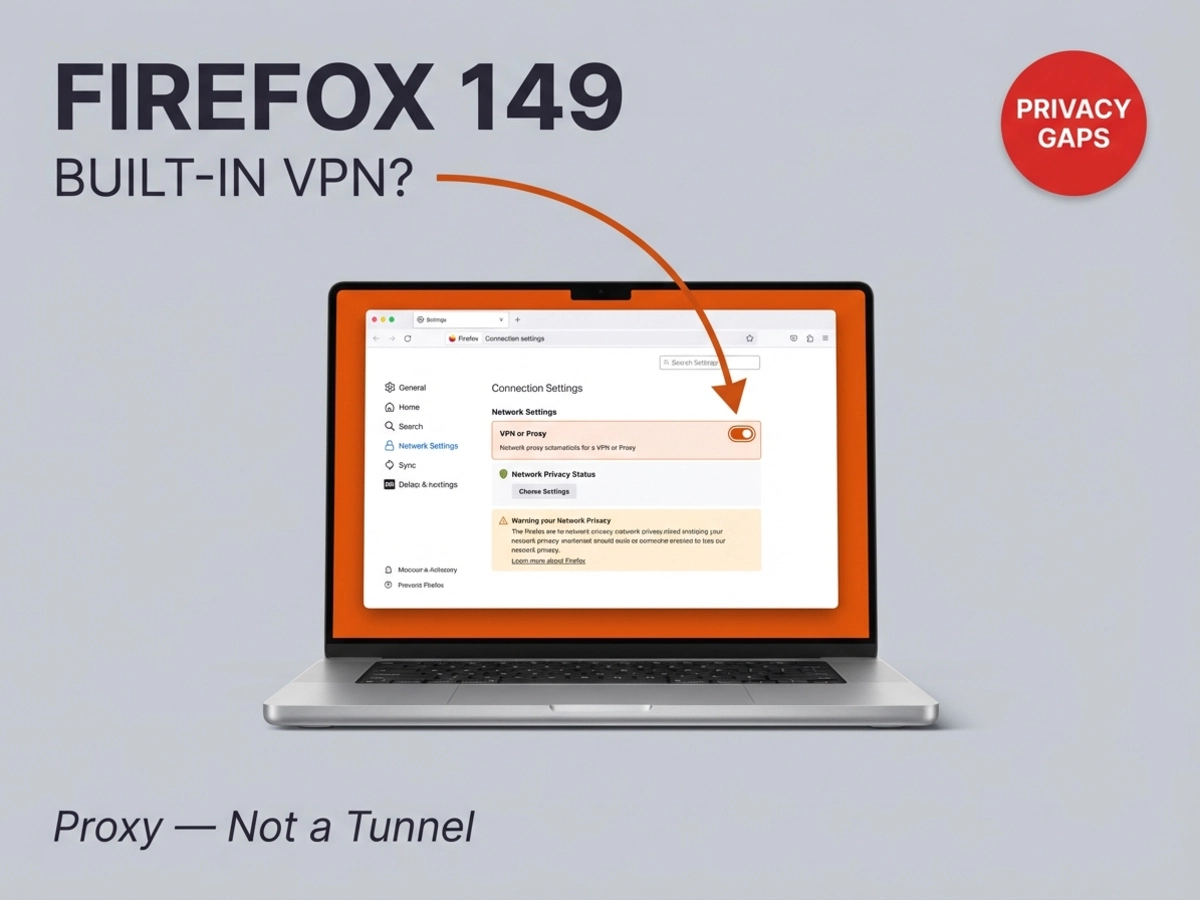
Firefox 149 ships March 24 with a free built-in VPN, but the technology underneath is a browser proxy, not an encrypted tunnel. Mozilla has not publicly confirmed the feature's encryption level at launch. This guide explains what the feature actually covers, where it falls short, and which users will genuinely benefit from turning it on.
Starting March 24, 2026, Firefox users in the United States, France, Germany, and the United Kingdom will find a free privacy tool built into the browser with no extension required. According to the Mozilla blog, the feature routes browser traffic through a proxy server to hide the user's IP address and approximate location from the websites they visit. Each user receives 50 gigabytes of protected browsing data per month at no cost.
The mechanics are worth understanding clearly before deciding how much to rely on the feature. When Firefox's proxy is active, websites see the proxy server's IP address rather than yours. Geolocation lookups return the proxy server's location rather than your real one. This is genuinely useful for reducing website-level tracking and accessing content restricted by geography inside the browser.
The Firefox support page for the feature is explicit about the scope: the tool protects traffic inside Firefox and leaves every other application on the device unaffected. Email clients, streaming apps, gaming platforms, and any background service communicating over the network all continue using the real IP address with no proxy involvement.
What the support documentation does not prominently feature, however, is what we cannot confirm: Mozilla has not publicly specified the encryption architecture used between the browser and its proxy servers.
The word "VPN" carries a specific set of technical expectations for most users who have used one. A full VPN operates at the operating system level, creating an encrypted tunnel through which all device traffic flows, not just the browser. When a VPN is active on a laptop, the email client, the app store, and the background sync service all travel through that encrypted tunnel alongside the browser.
A browser proxy works differently at a fundamental level. It operates at the application layer, applying only to traffic generated within that specific application. This is why a proxy can be built into a browser without any effect on the rest of the device. The architecture is not a limitation of Mozilla's implementation; it is what a browser proxy is.
Mozilla's own VPN resource center documentation draws the boundary explicitly: a proxy protects only what happens in the browser, while a VPN protects all traffic across every app on the device. The same resource confirms that an ISP can still observe which connections leave a device even when a browser proxy is active, because the proxy intercepts only the browser's traffic, not the device's full network activity.
Mozilla's own resource page explaining the difference between a VPN and a proxy, accessed directly, explicitly states that a proxy protects only browser traffic while a VPN protects all device traffic, which makes the decision to brand the Firefox 149 feature as a "VPN" rather than a "browser privacy proxy" a significant framing choice with real implications for users who don't read past the headline. This framing likely reflects a decision to prioritize adoption over precision, but that distinction matters for users who will misread the protection level as covering their whole device when it covers only their browser sessions.
The 50-gigabyte monthly allowance is generously positioned relative to the free VPN and proxy market. TunnelBear's free plan provides 2GB per month. Windscribe and PrivadoVPN both offer approximately 10GB per month on their free tiers. For casual browsing, research, or occasional access to geographically restricted content inside Firefox, 50GB covers substantial activity with room to spare.
The sole free-tier offering that exceeds Firefox's allocation in practical terms is Proton VPN's free plan, which carries no data cap at all. Proton's free tier is full-device encrypted protection limited to five server locations and one simultaneous connection, making it architecturally different from what Firefox provides. Comparing Firefox's 50GB browser proxy to Proton VPN's unlimited full-device tier requires holding the scope difference clearly in mind; the two products protect against different threat scenarios, and more monthly data does not substitute for wider device coverage.
Tom's Guide reached out to Mozilla for clarification on the encryption level of the browser proxy before publication and had not received a reply; that specific gap is more consequential than the 50GB cap, because cap-related limits are knowable while encryption uncertainty is not. TunnelBear's limit tells you exactly when protection stops. An unconfirmed encryption level means users cannot accurately assess what the proxy protects them from even while it is active.
Most secure VPN services use AES-256 encryption or post-quantum protocols, and proxies in general do not encrypt traffic by default at the protocol level the way a VPN does. HTTPS websites encrypt the content of their requests through TLS regardless of whether a proxy is in use, which provides a baseline of content protection on secure sites. What remains unspecified is whether Firefox's proxy adds an additional encryption layer to the connection between the browser and Mozilla's proxy infrastructure beyond that standard HTTPS/TLS behavior, and that answer matters considerably for users on untrusted networks.
We cannot confirm what happens after the 50GB threshold is reached in a given month, as Mozilla has not publicly clarified whether traffic falls back to unprotected browsing or if some form of throttling or blocking applies.
TunnelBear free: 2GB monthly. Windscribe free: 10–15GB monthly depending on account confirmation. PrivadoVPN free: 10GB monthly. Proton VPN free: unlimited data, but a full-device encrypted service. Firefox's browser proxy: 50GB monthly, browser traffic only. Paid commercial VPNs such as NordVPN and ExpressVPN currently run at $2.44 to $3.39 per month on annual plans, providing full-device encrypted coverage for less than a streaming service subscription.
Opera has offered an unlimited browser-level proxy (also called "Free VPN") since 2016 with no data cap, and that product's decade-long history of security reviews shows exactly what a browser proxy can and cannot protect, which gives Firefox's 50GB version a clear performance ceiling to compare against. Both Firefox's feature and Opera's are browser proxies: they mask the IP address that websites see, limit protection to browser traffic, and leave everything else on the device unaffected. The architecture is identical in scope.
Where they differ is in the trust calculus. Opera's browser was acquired by Chinese firm Kunlun Tech in 2016, and TheBestVPN found that Opera's product lacks a kill switch, provides no WebRTC leak protection, and uses a unique device identifier for ad targeting purposes. A Deloitte audit confirmed Opera's stated no-log policy for browsing data, but the ad-tracking device ID creates a tension with the product's privacy positioning.
Firefox is published by Mozilla, a nonprofit organization whose revenue does not depend on monetizing user data. The paid Mozilla VPN has been independently audited and confirmed to maintain no logs through its Mullvad infrastructure. There is no comparable advertising-revenue conflict built into Firefox's structure.
Brave's approach takes the opposite direction: its built-in VPN is a fully encrypted, full-device service running through Guardian with a confirmed no-logs policy, but it is a paid feature rather than a free one. Vivaldi integrates Proton VPN as a subscriber option, again requiring payment for the full-device encrypted experience.
This is a genuine structural advantage that we observe across the browser privacy tool category: organizational trust and architecture are separate questions, and Firefox currently offers the strongest answer to the first one while sharing the same answer to the second as every other browser proxy. Mozilla is the most trustworthy source for a browser proxy; being the most trustworthy source for something does not change what that something protects.
The feature delivers real value for a specific profile of user. If the primary concern is reducing website-level tracking, hiding real location from services accessed through the browser, or adding a layer of IP-address protection on public Wi-Fi networks, the Firefox browser proxy addresses those scenarios within its 50GB monthly window. No extension download, no account creation, and no payment is required. The Mozilla brand's privacy track record is stronger than almost any alternative in the zero-cost browser-proxy category.
The feature is not adequate for users whose threat scenarios extend beyond the browser window. Someone using an email client to handle sensitive correspondence, accessing work systems through desktop applications, or relying on a VPN to protect all device traffic from ISP monitoring will find that the Firefox proxy leaves those channels fully exposed. Every app outside the browser continues using the real IP address and an unencrypted connection regardless of whether the proxy is active in Firefox.
What this means in practical terms is that we recommend thinking about where your sensitive activity actually lives before deciding whether the Firefox feature is enough. If it mostly lives inside the browser, the Firefox tool is a credible free option. If sensitive work happens in desktop applications, mobile apps, or any service accessed outside Firefox, a full-device solution remains necessary.
It is also worth noting that Firefox's trajectory as a browser matters here. As our analysis of Firefox's redesign history examines, Mozilla's previous overhauls focused on aesthetics while market share continued to decline; the current Nova update is distinct because it adds functional capabilities like this privacy feature. Whether functional additions actually change user behavior is an open question, but users making a long-term platform commitment are choosing into a browser that is actively adding utility rather than only adjusting its appearance.
For users who need full-device coverage, Mozilla's paid VPN product operates on Mullvad's server infrastructure, maintains a confirmed no-logs policy for both Mozilla and Mullvad, covers up to five devices simultaneously, and costs $4.99 per month billed annually. The Firefox support page explicitly identifies the paid Mozilla VPN as the upgrade path for users who need protection beyond the browser. Neither Firefox 149 itself nor Mozilla's announcement includes an in-browser upgrade prompt linking the two products, so users who reach that conclusion will need to find the paid product independently.
The practical decision comes down to a single boundary. Threat scenario inside the browser, comfort with a 50GB monthly cap, preference for zero cost: the Firefox feature fits. Threat scenario on the full device, need for confirmed encryption architecture, requirement for more than browser coverage: the paid alternatives, including Mozilla's own, are the appropriate tier.
Mozilla's March 2026 announcement specifies that the feature launches in Firefox 149 on desktop, with availability confirmed for the US, France, Germany, and the UK at rollout. The announcement does not mention a mobile release in the same timeframe. Firefox for Android and iOS are separate products, and Mozilla has not confirmed a schedule for extending the browser proxy to mobile versions of Firefox.
Mozilla has not officially clarified what occurs when a user exhausts the monthly allocation. Available analysis from Gizmodo suggests traffic likely falls back to the standard unprotected connection rather than terminating browsing entirely, but Mozilla has not confirmed this publicly. Until Mozilla publishes official documentation on the limit behavior, users with high monthly data requirements should plan to monitor usage proactively or treat the cap as a hard ceiling for protected browsing.
Mozilla's feature description and support documentation do not mention user-selectable server locations. This is consistent with how most browser-level proxies are implemented: the proxy operator handles server routing internally, and users receive IP masking without controlling which geographic location the proxy assigns. Opera's browser proxy, for comparison, offers only continent-level selection rather than country-level routing. Firefox's current documentation does not address this capability.
They are entirely separate products with different architectures. Firefox's built-in feature is a browser proxy: it routes only browser traffic through Mozilla's servers, masks the IP address sites see, and carries a 50GB monthly limit. The paid Mozilla VPN is a full-device encrypted service that covers all apps and network activity on the device, operates through Mullvad's server infrastructure using the WireGuard protocol, maintains a confirmed no-logs policy, supports up to five simultaneous devices, and costs $4.99 per month on an annual subscription. The Firefox support page for the browser proxy feature explicitly directs users who need full-device protection to the paid Mozilla VPN.