|
|
|
|
TrueSolvers is an independent technology publisher with a professional editorial team. Every article is independently researched, sourced from primary documentation, and cross-checked before publication.
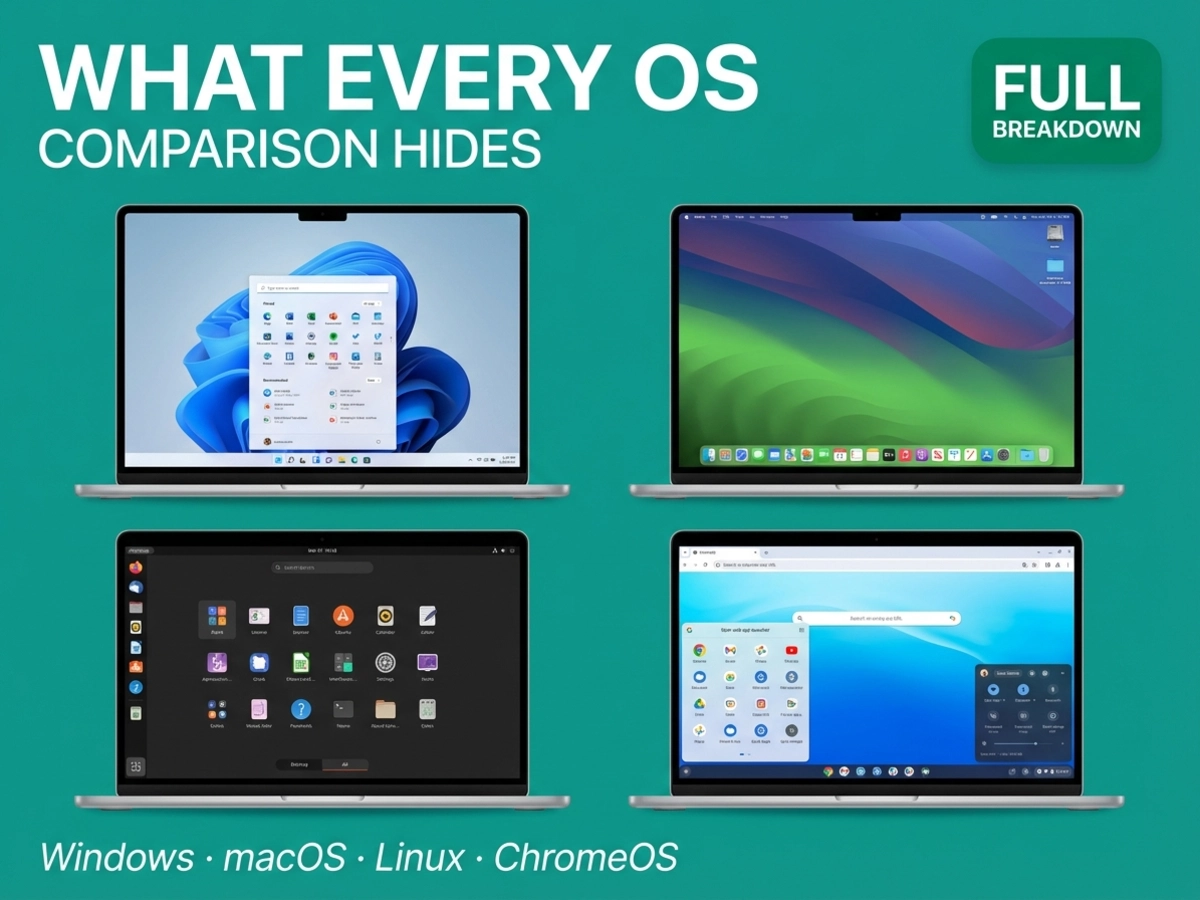
Choosing between Windows 11, macOS, Linux, and ChromeOS is harder than most comparison guides make it look, and not because the platforms are hard to understand. It is hard because every comparison tells you what each OS does best and skips the structural cost that makes that strength possible. This guide flips that formula: each platform is examined through the lens of what it permanently gives up to deliver its headline advantage, so you can choose the trade-off you can live with rather than the feature list that sounds best on paper.
Windows 11 is the most compatible OS on Earth, and that very breadth is the first trade-off you make when you choose it.
That sentence is not a criticism. Windows runs more software, supports more hardware peripherals, and covers more use cases than any other desktop platform. But breadth at that scale requires Microsoft to maintain an OS across an enormous range of machines, and the result is a feature experience that varies significantly depending on which machine you buy. Standard Windows 11 runs on hardware from the last several years, with base requirements of 4 GB of RAM and 64 GB of storage backed by a TPM 2.0 security chip. Those requirements have not changed since launch. The AI features Microsoft advertises heavily are a different matter entirely.
Microsoft's Windows 11 specifications page defines the Copilot+ PC category: a dedicated neural processing unit (NPU) capable of 40 or more TOPS (trillion operations per second), 16 GB of RAM, and a 256 GB SSD. Features like Recall, Click to Do, and semantic file search, the ones that appear in Microsoft's advertising, exist only on Copilot+ hardware. A standard Windows 11 machine, including many machines sold in the last two or three years, does not qualify. What the specifications page does not foreground is that this creates two distinct categories of Windows 11 machine, and most users buying into the Copilot+ marketing are purchasing hardware, not just software.
The Windows 10 end-of-life deadline sharpens this picture. Microsoft ended support for Windows 10 on October 14, 2025, pushing users toward a decision: upgrade to Windows 11 for free if their hardware qualifies, pay for Extended Security Updates through October 2026, or migrate to something else. Windows 11 security updates continue through October 2028, giving upgrading users a multi-year runway. Devices that cannot meet Windows 11's TPM and processor requirements have no upgrade path; Linux Mint and ChromeOS Flex are the most commonly cited alternatives for users in that situation.
On security, Windows 11 makes its strongest improvements at the hardware level: the mandatory TPM 2.0 chip enables BitLocker drive encryption by default on compatible devices and provides a verified boot path. The platform also receives the most frequent third-party security testing of any desktop OS, which is both a credibility signal and a reflection of its dominant market position as the primary target for malware campaigns.
For users whose hardware clears the bar, Windows 11 remains the platform with the fewest compatibility compromises. The trade-off is that "Windows" increasingly means different things depending on your machine; gaming, legacy business software, and peripheral support are unmatched, but the fragmentation between Copilot+ and standard machines is the price of that breadth.
Apple's approach is the opposite of Windows's. Instead of covering every hardware configuration imaginable, Apple controls the entire stack: the chip, the enclosure, and the operating system. The result is the most consistent interface experience on any desktop platform, tightly synchronized with iPhone and iPad through features like Continuity, AirDrop, and Handoff. The trade-off is that Apple makes the hardware decisions for you, and some of those decisions are now more consequential than in any prior year.
macOS Tahoe launched on September 15, 2025, carrying a redesign called Liquid Glass that extends a translucent, layered aesthetic across the Dock, menu bar, toolbars, and sidebars. The Apple Newsroom confirmed at WWDC 2025 that this design language spans all Apple platforms simultaneously, the first time a single visual system has unified iOS, iPadOS, macOS, watchOS, and tvOS in one release. For existing Mac users, the change is noticeable but not jarring. Spotlight search improvements sit alongside the visual overhaul as the most practically impactful upgrade for day-to-day work.
The hardware caveat embedded in Tahoe matters more than the design update. macOS Tahoe is the final version that runs on Intel Macs, a fact Apple announced at WWDC 2025. Future macOS releases will require Apple Silicon exclusively. This does not make Intel Macs unusable immediately, but it sets a defined horizon: users on Intel hardware are now on a platform that will stop receiving macOS updates at some point after Tahoe. What we cannot confirm yet is which specific Intel Mac models will or will not be supported past Tahoe, as Apple's compatibility list for future versions has not been published.
Apple Silicon (currently M4 and M5 generations) delivers genuine performance at the top tier, rivaling the best AMD and Intel chips while drawing substantially less power. The ecosystem integration advantage for iPhone users is real and deepening: features like the Phone app on Mac and the Continuity Camera system are not available on any other platform. The exclusive creative tools (Final Cut Pro, Logic Pro) remain macOS-only.
macOS has earned a strong security reputation through several structural advantages. Application sandboxing, Gatekeeper signature verification, and System Integrity Protection work together to limit the attack surface. Apple Intelligence uses a Private Cloud Compute architecture to process sensitive data without storing it on Apple's servers, which is a meaningful privacy distinction compared to Copilot+'s hybrid cloud approach.
Gaming is where the cost becomes unavoidable. Roughly 7% of Steam's catalog runs on macOS, compared to near-total coverage on Windows. Major franchises, including many of the highest-played multiplayer titles, are Windows-only. Cloud gaming services like Xbox Cloud Gaming and GeForce NOW partially fill this gap for casual players, but they require reliable internet and recurring subscriptions. Valve's Proton compatibility layer, which has dramatically expanded Linux gaming, is not available on macOS. For anyone who games regularly or plans to, macOS extracts a permanent library cost.
For users already invested in iPhone, iCloud, and Apple services, the switching cost away from macOS is behavioral and habitual rather than technical, a distinction that matters when estimating real effort.
Linux sits at a different point on the control spectrum than either Windows or macOS. The OS is free, the source code is open, and no vendor can lock you into a subscription model or hardware generation. The trade-off is that Linux returns more decisions to the user than most people are prepared to make, and the commercial software ecosystem has meaningful gaps that web alternatives only partly fill.
Canonical released Ubuntu 25.10 "Questing Quokka" on October 9, 2025. The release runs Linux kernel 6.17 and GNOME 49, ships with a new Ptyxis terminal emulator and Loupe image viewer as defaults, and introduces Rust-based system utilities for improved memory safety. Its support window ends in July 2026, nine months after release. Ubuntu 26.04 LTS, due April 2026, will be the release worth committing to for users who want five-year support; 25.10 is better understood as a preview than a destination.
Phoronix reported that Linux reached a 3.20% share of Steam users in November 2025, its all-time high, up from 2.29% in December 2024. Approximately 90% of Windows games now run on Linux via Proton, Valve's compatibility layer that translates Windows game calls to Linux. These are genuine milestones. Three years ago, the figure was closer to 75%, and the experience required significant configuration.
The ceiling, though, is structural rather than technical. The February 2026 Steam Hardware Survey shows Linux gaming share has plateaued, suggesting that Steam Deck ownership has not converted many users from Windows as their primary gaming machine. The barrier is not Proton's library coverage but anti-cheat software: the most-played competitive multiplayer titles use kernel-level anti-cheat systems that do not run on Linux. Publishers and anti-cheat vendors decide whether to support Linux, not Valve, and most have not done so. For single-player gaming and a broad range of multiplayer titles, Linux is a viable choice in 2026. For competitive multiplayer gaming specifically, it is not.
For developers and system administrators, Linux offers advantages no other platform matches: native containerization and Docker support, access to the latest kernel features, full scripting control, and a UNIX environment without the overhead of running a compatibility layer. The argument that macOS was essential for development work because of its UNIX terminal has largely dissolved; Windows Subsystem for Linux in 2026 runs a real Linux kernel, supports systemd, and handles GPU acceleration. Ubuntu running natively removes that abstraction layer entirely.
The commercial software gap remains real. Microsoft 365 is not available as a native Linux desktop application; users work via the browser or through compatibility layers. Adobe Photoshop has no native Linux build. Enterprise vertical applications rarely support Linux desktops. For users whose work depends on any of these, Linux is not a viable primary OS without significant workflow changes.
Ubuntu's security model draws on several structural advantages: regular Canonical security patches, AppArmor mandatory access controls enabled by default, and an architecture that faces far less active malware targeting than Windows. That lower threat profile reflects Linux's smaller desktop market share as much as its intrinsic security, but the practical result for most users is a stable, low-friction security experience.
Windows 10 ended support in October 2025. macOS Tahoe will be the last version Intel Macs can run. ChromeOS is being phased out by 2034 in favor of Aluminium OS, and Ubuntu 25.10 itself is supported only until July 2026. All four platforms are simultaneously at inflection points, something no prior OS comparison moment has combined. The 2026 choice is not just about features; it is about which platform's five-year trajectory matches the hardware and workflows a user is building toward. Linux, for the user willing to learn it, is the only platform with no hardware ceiling and no vendor controlling the upgrade path.
ChromeOS earns its reputation for simplicity. The OS boots quickly, updates automatically in the background, requires minimal maintenance, and runs well on modestly priced hardware. For students, casual users, and anyone who lives primarily in a browser and Google Workspace, the experience is streamlined in ways that Windows and macOS are not. The structural cost embedded in that simplicity is a platform transition that Google has confirmed but not fully defined.
Google intends to merge ChromeOS and Android into a unified successor called Aluminium OS. BGR reported, based on court filings from the US antitrust case against Google, that the broad rollout of Aluminium OS to enterprise and education users is now expected around 2028. ChromeOS itself is expected to be phased out by approximately 2034, aligning with when Google's auto-update commitment to existing Chromebooks expires. The migration question is unresolved at the device level: BGR confirmed that not all existing Chromebooks will be able to migrate to Aluminium OS due to hardware limitations, with newer and higher-spec devices more likely to be supported than older budget models. The device migration compatibility list for Aluminium OS has not been published, and we cannot confirm which current Chromebook models will or will not be supported.
Google's Android Ecosystem president stated at MWC 2026 that Aluminium OS is still targeting a 2026 debut, though court documents suggest this refers to limited testing with trusted commercial partners, not broad availability. The gap between Google's public messaging and the court filing timeline is itself an honest indicator of the uncertainty facing Chromebook buyers. For a deeper look at what Aluminium OS's Android 17 Handoff architecture means for the platform's cross-device strategy, our analysis of the ecosystem play behind Aluminium OS covers what the hardware headlines miss.
ChromeOS's security model is one of its genuine strengths: verified boot checks the OS integrity at every startup, automatic background updates close vulnerabilities without user action, and the sandboxed architecture limits the blast radius of any individual application compromise. These protections work reliably on modest hardware, which is part of why ChromeOS became standard in education environments where device management at scale matters more than raw performance.
On Gemini integration, ChromeOS has added live transcription with translation, the ability to summarize on-screen text, and AI-generated wallpapers. These features run primarily in the cloud, meaning they work on more modest hardware than Copilot+ or Apple Intelligence require. Chromebook Plus models add more demanding AI capabilities, including a web-based version of Photoshop and video call enhancements.
Every platform now claims AI leadership, but each requires a different hardware bet to actually access it, and none of them deliver consistently enough in 2026 to make that hardware bet feel settled. Tom's Guide found that both Apple Intelligence and Windows Copilot are "unfinished, finicky and often fail to do what I want them to" in hands-on testing. Copilot+ requires the most expensive hardware to access, Apple Intelligence runs efficiently on Apple Silicon with modest RAM overhead, ChromeOS Gemini works on entry-level hardware via cloud processing, and Linux offers no built-in AI assistant at all while functioning as the preferred platform for running powerful local AI models. As of early 2026, the AI maturity picture is still evolving, and no platform's AI implementation has stabilized enough to function as a deciding factor in this purchase.
Every OS comparison eventually arrives at a decision matrix. This one is organized differently: instead of asking which OS has the best features, it asks which structural trade-off you can tolerate for the next five years.
You need the broadest software library available, play AAA or competitive PC games, work with specialized enterprise or business applications, or depend on peripheral hardware that supports Windows drivers specifically. Windows is the only platform where gaming library compatibility, professional software access, and peripheral support all converge without significant workarounds. If Copilot+ AI features matter to you, verify that the specific machine you are considering meets the hardware requirements before purchase; "runs Windows 11" and "runs Copilot+" are not the same statement.
You are deeply integrated into the Apple ecosystem (iPhone, iPad, Apple Watch), work primarily in creative fields where Final Cut Pro or Logic Pro are standard, or prioritize a consistent, low-maintenance desktop experience over gaming or software flexibility. The trade-off is accepting Apple's hardware decisions, including the approaching Intel Mac sunset. The macOS gaming situation is not improving quickly enough to treat cloud gaming as a full substitute if games are a significant part of your computing life.
You are a developer, system administrator, or technically confident user who values direct control over your environment, wants to avoid vendor lock-in entirely, and can accept the gaps in commercial software availability. Linux is also the strongest option for anyone running local AI workloads on capable hardware. The gaming picture is better than it was two years ago, strong enough for most single-player libraries, but competitive multiplayer gaming remains Windows territory. Ubuntu 26.04 LTS (April 2026) is the release to target for stability; 25.10 serves as a useful preview.
Your computing needs are primarily browser-based, you work within Google Workspace, and you want the lowest-maintenance setup available. Students and users who do not need native desktop applications get real value from ChromeOS's speed and simplicity. Given the Aluminium OS transition timeline, prioritize newer Chromebook Plus models over older budget devices: higher-spec hardware is more likely to receive migration support, though no confirmed list exists yet. Avoid ChromeOS if you need professional-grade native applications, gaming beyond casual Android titles, or a platform with a confirmed long-term trajectory.
The correct OS decision is not about which platform has more bullet points in its favor. It is about which structural trade-off fits the way you actually work, game, and use your devices, and which you can accept will still be true in five years.
The short answer is: sometimes, with varying degrees of friction. On a Mac, Windows software compatibility depends on the hardware generation and the application type. Intel Macs could dual-boot Windows via Apple's Boot Camp utility, but that option is not available on Macs running Apple Silicon (M1 through M5). Virtualization software like Parallels Desktop runs a Windows virtual machine on Apple Silicon, which covers most productivity and business applications adequately, but performance for graphics-intensive or kernel-dependent software can vary. Boot Camp is no longer an option for any Mac purchased after 2020.
On Linux, compatibility works differently. Proton handles Windows games on Steam with roughly 90% library coverage, but outside of gaming, running Windows software on Linux typically requires compatibility layers like Wine or Bottles. Many productivity and business applications work through this approach; others do not. The most reliable test is checking the application's specific entry on the ProtonDB or WineHQ compatibility databases before committing to a Linux migration.
For native Windows-only enterprise software (some ERP systems, specialized legal or medical applications), neither macOS virtualization nor Linux compatibility layers are dependable substitutes. Windows 11 remains the only platform where that software runs as intended.
For a specific and narrowing set of use cases, yes. Ubuntu 25.10 offers a polished interface with an App Center, consolidated settings, expandable notifications, and a capable default application suite covering browsers, email, media playback, and office productivity. A user whose work lives in a browser, a music player, and a video conferencing application would find a modern Ubuntu desktop largely indistinguishable from Windows or macOS for those specific tasks.
The boundary conditions are real, though. Linux requires more comfort with troubleshooting than the other platforms. Hardware peripheral support, while improved, remains behind Windows and macOS; some printers, scanners, and specialized devices have no Linux drivers. The command line appears less frequently than it once did, but it has not disappeared: software installation, system updates, and some configuration tasks still route through a terminal for anything outside the App Center. If encountering a command line prompt would stop a user cold, Linux is not the right choice in 2026.
The honest summary: Linux is ready for confident, curious users who are willing to occasionally look up a solution. It is not yet ready for users who expect every task to resolve itself without any technical intervention.
The phase-out date of approximately 2034 aligns with when Google's Auto Update Expiration (AUE) commitment expires for most current Chromebooks. Before 2034, your device continues receiving ChromeOS updates as long as it is within its individual AUE window, which varies by model and can be checked in Google's published AUE list.
The longer-term question is what migration to Aluminium OS looks like for existing devices. Google has confirmed that not all existing Chromebooks will be able to make the transition due to hardware limitations, but the specific list of supported models has not been published. Newer, higher-specification Chromebooks (particularly Chromebook Plus models) are the most likely candidates for migration support based on current statements. Older, budget-tier Chromebooks are less likely to qualify.
For users buying a Chromebook now, the practical implication is to prioritize higher-spec models over budget devices if long-term migration is a concern, and to treat any Chromebook as a device with a defined useful life rather than an indefinitely upgradeable platform. The ChromeOS experience will remain fully functional until each device's individual AUE date expires; the uncertainty applies specifically to what comes after that point.
Information in this article reflects available documentation and reporting as of March 2026. Platform update timelines, hardware specifications, and OS support windows are subject to change. For current specifications, consult each manufacturer's official documentation directly.
Boost your workflow with our browser-based tools
Share your expertise with our readers. TrueSolvers accepts in-depth, independently researched articles on technology, AI, and software development from qualified contributors.
Finished reading? Continue your journey in Tech with these hand-picked guides and tutorials.