Finished reading? Continue your journey in Tech with these hand-picked guides and tutorials.
Share your expertise with our readers. TrueSolvers accepts in-depth, independently researched articles on technology, AI, and software development from qualified contributors.
TrueSolvers is an independent technology publisher with a professional editorial team. Every article is independently researched, sourced from primary documentation, and cross-checked before publication.
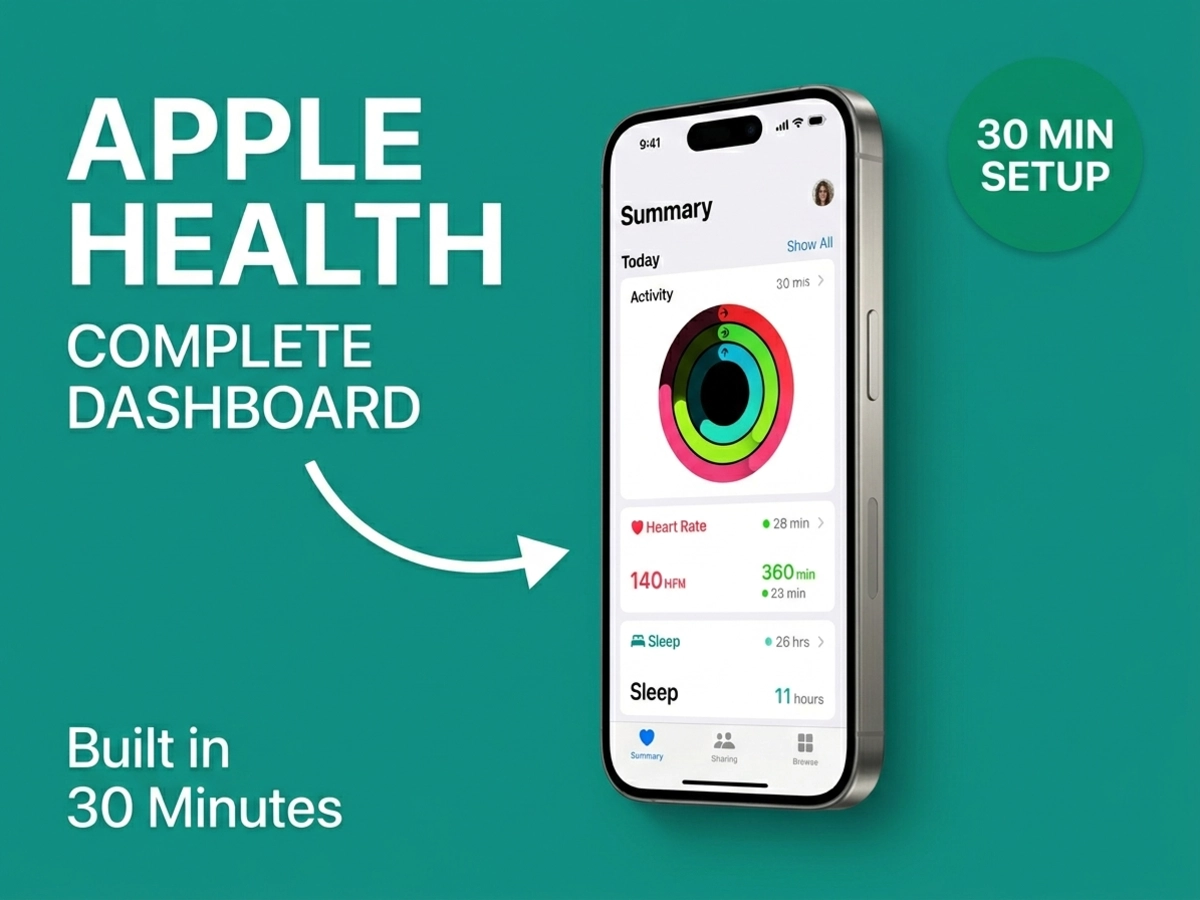
Your health data scatters across Apple Watch, smart scales, medical portals, and fitness rings. Apple Health consolidates everything into one automated dashboard. Spend 30 minutes connecting devices and medical records, then metrics sync automatically in the background. No manual logging required. Here's how to build a unified health system that reveals patterns scattered tracking never could.
Most people treat Apple Health as an Apple Watch companion app. It's actually a local database running on your iPhone, built on a framework called HealthKit that stores and coordinates data from every connected source you authorize. According to Apple's October 2023 Health Report, the platform supports over 150 distinct data types, from resting heart rate and blood oxygen to blood pressure, body composition, sleep stages, and reproductive health metrics. The practical implication: there's almost nothing your monitoring devices track that Apple Health can't receive and store.
The system handles data flow in both directions. A smart scale writes your weight to HealthKit; a nutrition app reads that weight to calibrate calorie targets. A workout app logs active energy; your fitness rings read that data to close your Move goal. This cross-pollination happens automatically once the initial permissions are configured, eliminating the need to manually transfer data between apps.
Privacy is central to the architecture. Health data is encrypted on-device with your passcode, and anything synced to iCloud is encrypted during transfer and storage. For the strongest protection, which prevents even Apple from decrypting your data, full end-to-end encryption requires iOS 12 or later combined with two-factor authentication enabled on your Apple ID. One exception worth knowing: your Medical ID, the emergency information accessible from the Lock Screen, is intentionally left unencrypted so that first responders can read it without your passcode.
Before connecting any devices, open the Health app, tap your profile picture, and look for the Health Checklist. This underused feature walks through every available capability in your current iOS version and lets you enable them step by step. Running through it first prevents gaps in your setup.
Wearables provide the richest automated data stream because they run continuously without any phone interaction. The setup sequence is consistent across devices: install the companion app, authenticate your account, then navigate to the Apple Health integration setting within that app to grant specific permissions.
If you own an Apple Watch, no additional setup is required. Pairing the watch to your iPhone automatically enables Health sync for steps, heart rate, workouts, sleep, blood oxygen, ECG, crash detection alerts, and more. All Apple Watch data writes directly to HealthKit in the background.
Download the Oura app, complete initial setup, then navigate to Profile, Settings, and the Apple Health Integration toggle. Oura exports active energy, average nightly respiratory rate, average nightly resting heart rate, mindful minutes, sleep analysis, and workouts. One known limitation: Oura steps do not populate the Apple Fitness Stand ring. This is a HealthKit architectural constraint rather than an Oura omission, but it means step credit from your Oura won't count toward your Fitness ring goals.
Install the WHOOP app, then open the app menu, tap Apple Health, select Connect, and turn on the data types you want shared. WHOOP exports active energy, blood oxygen, respiratory rate, resting heart rate, sleep analysis, and workouts logged inside the WHOOP app. Heart rate data from throughout the day, outside of recorded activities, is not exported. If you uninstall and reinstall the WHOOP app, iOS revokes all Health permissions automatically; you'll need to re-enable them from scratch.
The metrics users most associate with premium wearables — WHOOP's Recovery Score and Oura's Readiness Score — do not appear in Apple Health. HealthKit operates on a defined vocabulary of data types that correspond to established clinical and physiological categories. Composite scores built on each brand's proprietary algorithms sit outside that vocabulary and cannot be written to the system. This is by design, not a technical gap. Your WHOOP Recovery and Oura Readiness data remain accessible only within their respective companion apps; Apple Health receives the underlying inputs (sleep, resting heart rate, respiratory rate) but not the computed outputs. If your goal is seeing these composite scores in one place, a third-party aggregator app that reads from all companion apps simultaneously is a more practical path.
A related nuance applies to heart rate variability: WHOOP calculates HRV using RMSSD, while Apple Health records HRV in SDNN. Both values trend in the same direction, so the patterns are comparable, but the raw numbers will differ.
Finally, for any third-party wearable to sync data in the background, Background App Refresh must be enabled for its companion app. Check this in iOS Settings, General, Background App Refresh. If you've disabled it to extend battery life, wearable data will only appear in Health after you manually open each companion app. This silent gap catches many users off-guard and produces apparent holes in the Health timeline.
The Health Records feature connects Apple Health to your healthcare provider's electronic records system, pulling lab results, medications, allergies, procedures, immunizations, and visit summaries directly to your phone. The setup uses FHIR (Fast Healthcare Interoperability Resources) as the data standard and SMART on FHIR for authentication, which means you log in with your existing patient portal credentials. No new accounts or passwords are created.
Here is the setup sequence:
Open the Health app and tap your profile picture
Select Medical Records
Tap Get Started or the plus icon
Search for your healthcare organization by name
Log in using your existing patient portal credentials
Choose which data categories to sync
After that one-time authentication, new lab results and visit summaries appear automatically in Health as your provider uploads them.
When you complete that authentication step, your clinical records move directly from your provider's FHIR server to your device, bypassing Apple's infrastructure entirely during the transfer. The connection is encrypted end-to-end between provider and device. Apple does not receive or store the content of your medical records.
Major EHR platforms with supported integration include Epic, Cerner, Allscripts, eClinicalWorks, MEDITECH, DrChrono, CPSI, and CareCloud. Most large U.S. hospital systems and many independent clinics using modern EHR software participate. Whether your specific provider is listed requires checking inside the Health app directly, because the participating institution list expands regularly as new organizations onboard.
Wearables and medical records don't capture everything. Blood pressure is one significant gap: no wrist-worn device currently delivers clinically accurate blood pressure readings to HealthKit. Dedicated cuff monitors fill this gap automatically.
Withings makes two Apple Health-connected blood pressure monitors worth considering. The BPM Connect wraps around the upper arm, measures systolic pressure, diastolic pressure, and heart rate, then transmits readings via Bluetooth or WiFi. Each measurement appears in Health within seconds of the reading. The BPM Vision adds AFib detection through an integrated ECG, and it carries FDA clearance for that purpose, a meaningful credential for anyone monitoring cardiac rhythm.
For body weight and composition, smart scales from Withings cover a range of measurement depth. The Body Smart Scale captures weight and BMI. The Body Comp adds full body composition metrics. The Body Scan goes further, measuring vascular age and electrochemical skin conductance alongside standard body composition. All three sync wirelessly to the Withings app, which writes data to Apple Health automatically.
The setup pattern for every Withings device follows the same sequence: open the Withings app, tap the Share tab, select Health under App Connections, and grant the relevant permissions. After initial pairing, each measurement you take logs to Apple Health without any additional steps.
A continuous wearable sensor tells you a great deal about daily physiology — and stops there. A once-daily blood pressure reading and weekly body composition measurement add clinical data that no ring or watch currently provides directly to HealthKit. Smart accessories complete the vital-sign layer that wearables cannot.
Once multiple devices are connected, Apple Health must resolve conflicts when two sources report the same metric. The system uses a priority hierarchy: manually entered data ranks first, then data from your iPhone and Apple Watch, then data from third-party apps and Bluetooth devices.
The complication: whenever you add a new data source, it automatically rises to the top of the priority list, above your existing iPhone and Apple Watch data. Every new integration you add silently becomes the primary source for overlapping data types until you manually correct it. If you add a less accurate step counter after your Apple Watch is already configured, that new device takes priority and its numbers will appear in your step trends.
This priority-reset problem is the single most important maintenance step in the setup, and the one most consistently underemphasized in setup guides. Each time you add a device, check your source priorities for every metric that device affects. The navigation path: open Health, tap Browse, select a metric category, tap a subcategory like Steps, scroll to Data Sources and Access, and tap Edit. Drag your most accurate device to the top. If you want to stop a source from contributing future data without losing its historical record, tap the checkmark next to it to disable it.
Set a monthly calendar reminder to review source rankings. Three or four devices into your setup, data quality depends entirely on whether your most accurate device holds the top position for each metric. Health does not merge or average conflicting inputs; it picks the top-ranked source. Getting this right is what separates a trustworthy dashboard from one that quietly misleads you.
With multiple data sources running and priorities configured, Apple Health shifts from data storage to pattern detection through two features: Trends and Highlights.
Trends identifies statistically significant shifts in your metrics over time. It might surface that your resting heart rate has decreased over the past several weeks, that your average step count has risen compared to the prior month, or that your sleep duration has shortened over a similar window. These observations appear on the Summary screen when Health detects meaningful changes in your baseline, and you can enable notifications via Profile, then Notifications, then Trends.
There's a specific expectation to calibrate here: Trends requires at least 180 days of data before it activates, a threshold Apple Support confirmed in its community forum. New users who set up the dashboard today won't see Trend analysis for roughly six months. The system will notify you when your data reaches that threshold. Until then, Highlights covers the shorter-term view.
Highlights appears on the Summary screen and updates daily. It compares your current progress against your own recent typical patterns, not population averages. A Highlight might note that you've taken fewer steps than you usually have by this point in the day, or that you're on pace to close all three Activity rings before evening. Because the reference point is your personal historical baseline, the insights are calibrated to you rather than generic benchmarks.
The most valuable features of Apple Health activate over months of consistent tracking, not on setup day. For anyone setting up the system today, the 30-minute investment is the beginning of a data accumulation cycle, not the end of one.
Apple has been working on a significant expansion of Health app capabilities under an internal project called Mulberry. The original vision involved an AI-powered health coaching service with virtual doctor agent functionality. Based on reporting by Bloomberg's Mark Gurman (via 9to5Mac), Apple scaled back those plans in February 2026 after leadership concluded the initial concept wasn't competitive enough against dedicated health platforms. The subscription coaching model originally planned has been abandoned.
What remains in development: an AI chatbot for health questions drawing on internal knowledge systems, educational video content from physicians explaining health trends, and an iPhone camera feature designed to analyze walking patterns. Rather than arriving as a unified service, these features are expected to release individually within the existing Health app over time.
9to5Mac, citing Bloomberg's Mark Gurman, also reported plans for an iOS 27 update that would bring a revamped Siri capable of handling more advanced health-related queries across the Health app and connected applications.
The subscription coaching model has been abandoned. The unified service has been broken into individual features releasing incrementally. No major architectural change is imminent. The current setup described in this guide represents the Apple Health experience for the foreseeable future — and building a well-configured dashboard now means those incremental AI features, when they arrive, operate on a richer, longer historical dataset.
The 30-minute setup is achievable for a typical two to three device configuration. A wearable or two, one medical records connection, and a smart accessory or scale can all be configured within that window without troubleshooting. Each device requires roughly five to ten minutes: install the companion app, authenticate, enable Health permissions, verify the connection. Medical records authentication adds another five to ten minutes per provider.
From that point, the system operates in the background. Wearables sync continuously. Medical records update as your provider uploads new results. Smart accessories log measurements within seconds of each reading. The manual logging that used to require opening multiple apps disappears.
The one ongoing maintenance task is source priority review. Set a monthly reminder and spend five minutes confirming that your most accurate devices still hold the top position for each metric type they affect. New devices auto-insert at the top every time, so this check prevents silent data quality drift as your setup evolves. If you're running this configuration on an aging iPhone and wondering how long Apple will continue supporting it, the answer matters for your investment calculus: Apple's vintage designation affects repair access and battery service windows in ways that directly affect whether upgrading or repairing your device makes more sense before committing further to this ecosystem.
The pattern, in our view, is clear: the investment compounds. A well-configured Apple Health dashboard accumulates the historical baseline that makes Trends meaningful, provides the cross-source context that reveals connections between sleep, recovery, and activity, and positions your data to take advantage of whatever AI features Apple releases incrementally over the coming years. The setup happens once. The insights keep building.
Disclaimer: The information in this article is intended for general informational purposes only and does not constitute medical advice. Apple Health, HealthKit, and all third-party integrations described here are subject to change; features, supported institutions, and device compatibility may differ from what is described depending on your iOS version, device, and region. Always consult a qualified healthcare professional before making decisions based on health data collected through consumer devices or apps. Neither the measurements captured by wearables and smart accessories nor the records synced through Apple Health Records are a substitute for clinical diagnosis or treatment. Third-party product names, regulatory designations, and feature descriptions are based on manufacturer documentation available at the time of writing and may have changed since publication.