|
|
|
|
Insights and perspectives on technology, AI, software development, and industry trends from the TrueSolvers team
Apple's M5 MacBook Pro boasts massive benchmark gains, but that doesn't tell the whole story. Our analysis of real-world tests and technical specs reveals exactly which creative professionals will see a meaningful time savings, and which users won't notice a difference. Discover if your workflow is one of the few that justifies the upgrade.
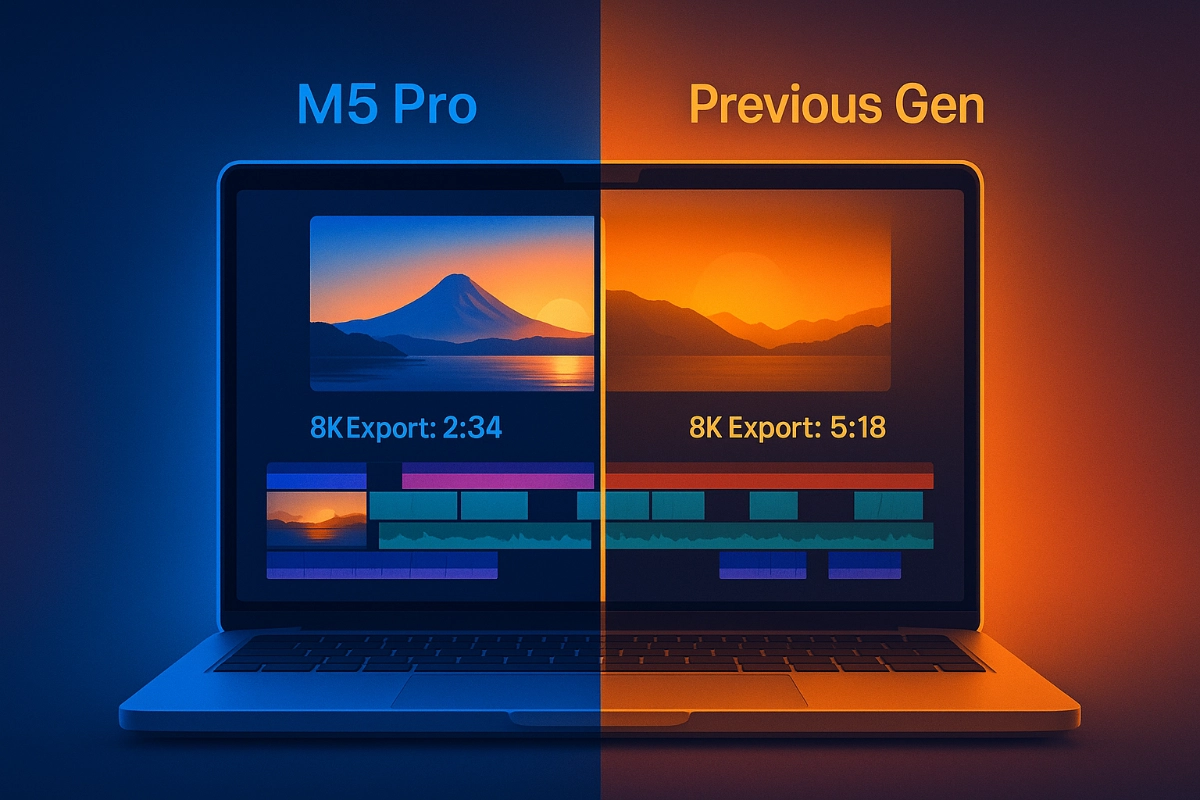
Apple's latest chip, the M5, is a powerhouse on paper. Announced in October 2025, it features a 10-core CPU with four performance and six efficiency cores, a 10-core GPU with a dedicated Neural Accelerator in each core, and a 16-core Neural Engine . It’s built on a third-generation 3-nanometer process, a foundation for its significant speed claims. A key upgrade is the memory system, which now offers a bandwidth of 153GB/s, a nearly 30% increase over the M4. This high-speed data pipeline is crucial for feeding the CPU, GPU, and Neural Engine.
The most dramatic improvement is in storage. Independent tests using the Blackmagic Disk Speed Test show the M5’s SSD can write at over 6,000 MB/s, more than double the M4’s speed of around 3,200 MB/s. This is a tangible, system-wide enhancement that affects everything from launching applications to transferring large video files.
From my assessment of the SSD performance data, this is the single most impactful upgrade for a broad range of users, far beyond just the headline CPU and GPU numbers.
However, these raw specifications don't automatically translate to a faster experience in your daily work. The gap between a chip's theoretical peak and its real-world utility is where the decision to upgrade gets complicated.
For a specific subset of creative professionals, the M5’s upgrades are a legitimate productivity tool. These are users whose workflows are constantly bottlenecked by their hardware, where saving even 10 seconds on a task that’s repeated hundreds of times a day adds up to real time and mental energy.
The GPU improvements are significant here. The M5 delivers up to a 45% increase in graphics performance over the M4 and features a third-generation ray tracing engine . In the 3DMark Solar Bay Extreme test, a benchmark for ray-traced gaming and rendering, the M5 scored 20,413, which is a 65% jump from the M4’s score of 12,345. For 3D artists and animators working in complex scenes with real-time rendering, this translates to a much more fluid and responsive viewport.
The AI and Neural Engine upgrades also matter for this group. Apple states the M5 delivers up to 3.5 times the AI performance of the M4. This is critical for tasks that are increasingly AI-accelerated, such as noise reduction in video, object selection in photo editing, or running local large language models for scripting and automation. The dedicated Neural Accelerators in every GPU core mean these workloads can be processed far more efficiently.
Even in traditional CPU rendering, there are gains. Geekbench 6 multi-core scores show the M5 is roughly 10-22% faster than the M4. While this seems modest, for a visual effects artist rendering hundreds of frames, that consistent speedup can shave hours off a project’s final render time.
For the vast majority of MacBook Pro owners, the M5’s impressive specs are largely irrelevant. This is most clearly demonstrated in real-world application tests. According to Macworld’s performance testing, the time savings on demanding creative tasks is minimal .
Exporting 562 photos in Lightroom took the M4 66 seconds and the M5 56 seconds a 10-second saving.
A “massive” GarageBand project export went from 65 seconds on the M4 to 56 seconds on the M5 again, a 9-second gain.
A complex Blender 3D render finished in 595 seconds on the M4 and 585 seconds on the M5 a mere 10-second difference.
These are not trivial tasks; they are deliberately chosen to be heavy workloads that would stress the system. And yet, the time saved is less than it takes to pick up your coffee cup. For writers, web developers, students, and even many photo and video editors working on standard projects, this difference is imperceptible. Their workflow is not limited by the raw compute power of the M4, so upgrading to the M5 provides no meaningful benefit.
The SSD speed, while impressive, also has diminishing returns here. Unless you are constantly moving multi-gigabyte video files or working with massive databases, the difference between a 3,000 MB/s and a 6,000 MB/s drive is rarely something you’ll consciously experience in day-to-day use.
The decision comes down to a simple question: Is your current M4 MacBook Pro a bottleneck in your professional workflow? If you are on an older machine, the M5 is a fantastic upgrade. But if you just have an M4, the calculus changes dramatically.
You should consider the M5 if your work involves one or more of the following:
Heavy, real-time 3D rendering or complex CAD work where a smooth, high-fps viewport is essential.
Professional video editing with large, multi-stream 8K footage that can leverage the increased memory bandwidth and SSD speed.
Running local AI models or using AI-powered creative tools as a core part of your process, where the 3.5x AI performance gain is a direct productivity multiplier.
For everyone else, the upgrade is difficult to justify. The M4 remains an exceptionally powerful machine for all common tasks, from productivity to gaming to content creation. The money saved by not upgrading can be better spent elsewhere.
But if you're still on an older Intel Mac or even considering a first-time upgrade, the real story isn’t about the M5 — it’s about how much performance Apple already delivered with the original M1. For most users, a $599 M1 MacBook Air offers more than enough power for everyday work, making it the smartest value in Apple’s lineup today. See why the M1 still wins in 2025 .
In my analysis of the real-world test data versus the benchmark claims, the key insight is that the M5 is a specialist’s chip, not a general-purpose update. It’s engineered for very specific, high-end professional bottlenecks that most users will never encounter. The marketing narrative of a broad, generational leap is technically true in a vacuum, but it fails to reflect the lived experience of the typical user. The M5’s true value is in its precision, not its pervasiveness.
If your M4 MacBook Pro feels slow during heavy 3D rendering, upgrade to the M5 for a 65% faster ray-tracing performance.
If you export large photo libraries or massive audio projects daily, the M5 saves only 9-10 seconds per task likely not worth the upgrade cost.
If your workflow relies on AI tools like local LLMs or advanced video noise reduction, the M5’s 3.5x AI performance boost is a legitimate productivity gain.
For general productivity, web browsing, and standard creative work, the M4 is still more than powerful enough; the M5 offers no noticeable benefit.
The M5’s fastest-in-class SSD is its most universally useful upgrade, but its impact is only significant for users constantly moving very large files.
Share your expertise with our growing community. We accept in-depth articles on Tech, AI, Dev, and Sports.
Get Started